
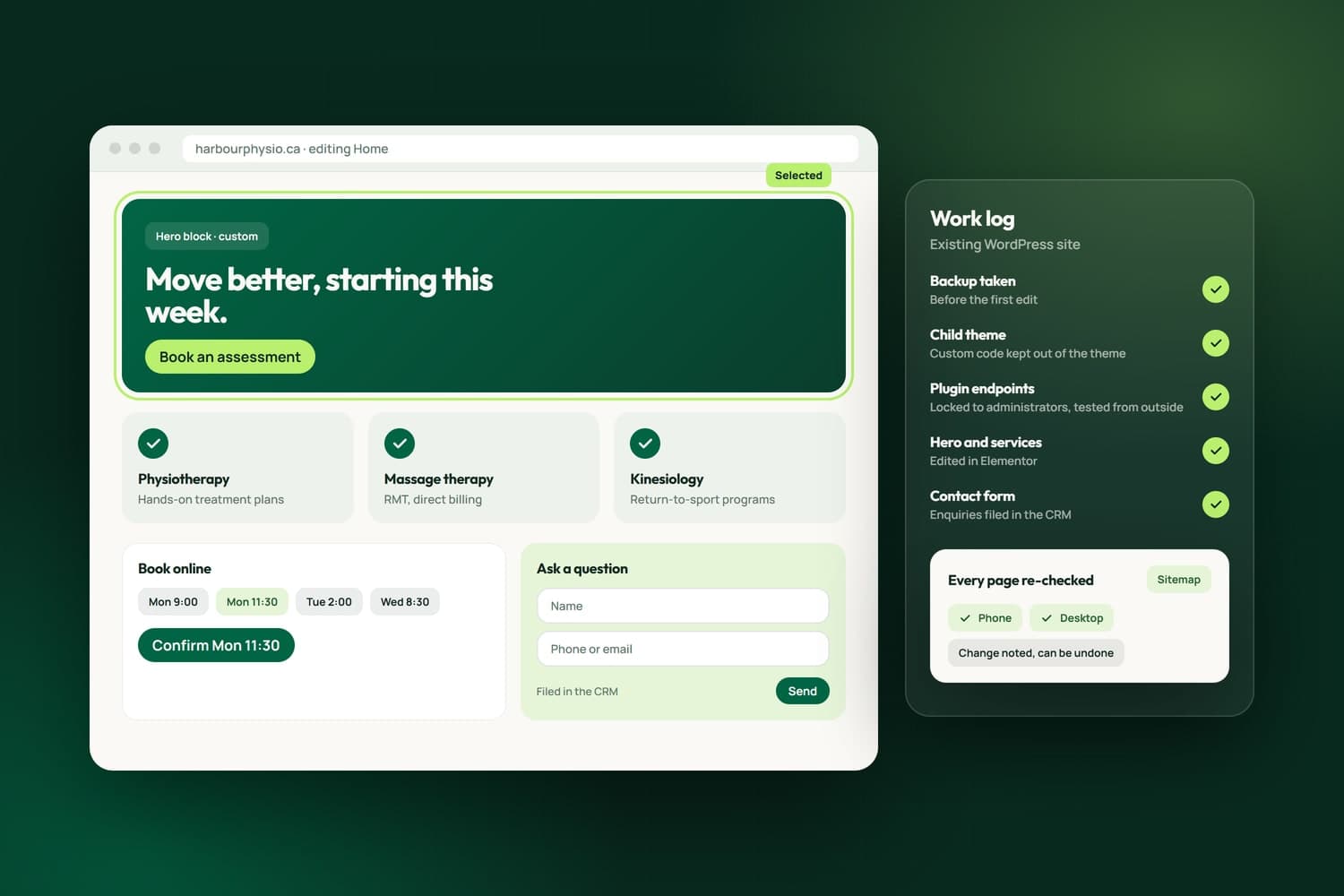
Already on WordPress? We fix, secure, speed up and extend the site you have.
A small business website takes enquiries, bookings and sometimes payments, and anyone on the internet can reach it. Website security hardening means finding what a stranger can reach that they should not, closing it, and proving it is closed. We do this for businesses in Surrey, across the Lower Mainland and elsewhere in Canada, on WordPress sites and on the custom websites and software we build.
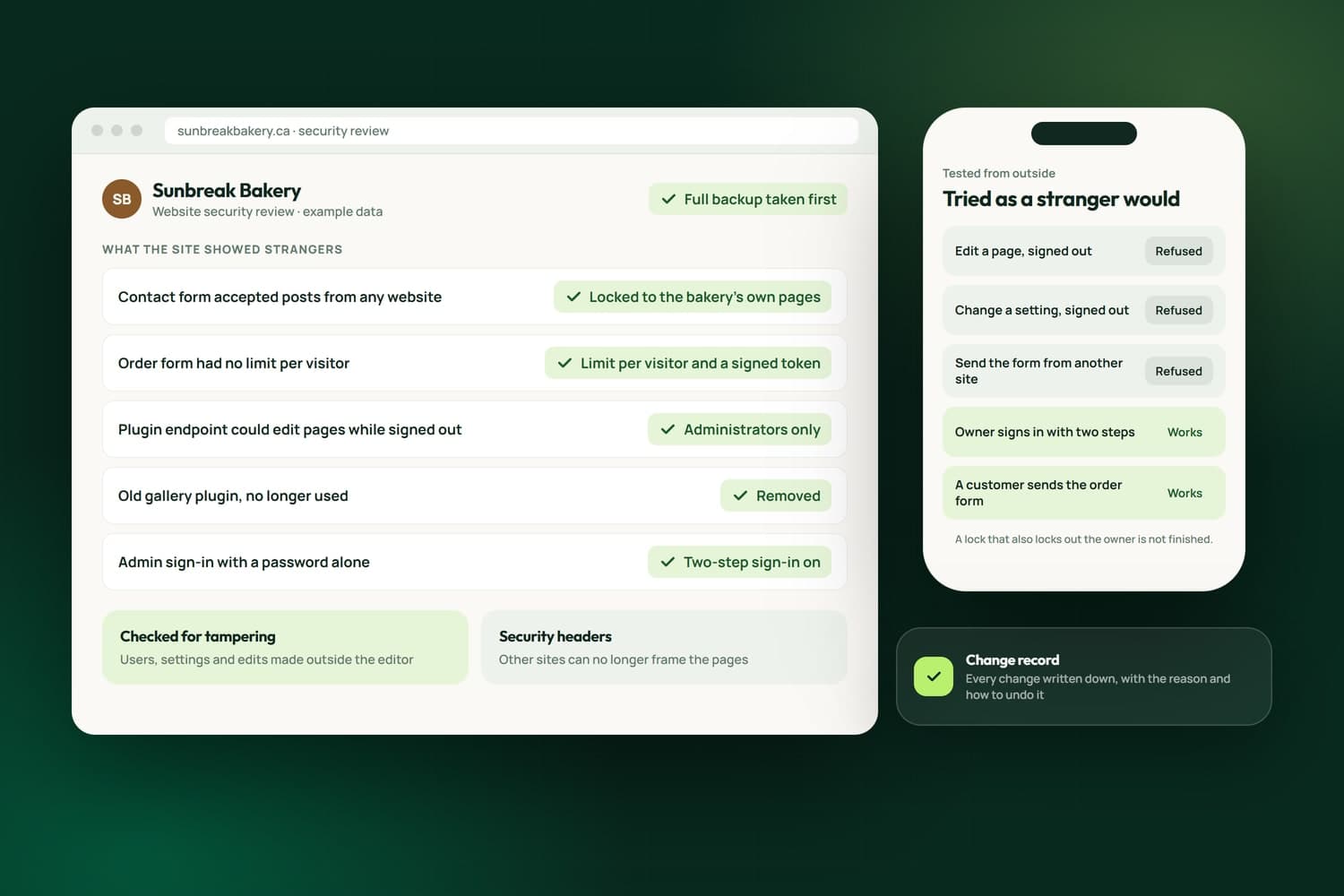
We hold our own work to it first. NameCRM, the CRM our business runs on, went through a three-part sweep of access, rendering and the data layer that closed 25 findings in one day, each one verified from outside. Our own website's forms went through the same kind of pass, and on a client's WordPress site we found plugin endpoints that could change pages without anyone signing in, locked every one to administrators, tested the lock as a stranger would and checked that nothing had been tampered with.
Every change is written down with how to undo it, so you always know what was done to your site and why. The work starts with a free assessment, and the scope and estimate come in writing before anything on your site is touched.
What we have built
Every line here is live in NameCRM, the CRM our own business runs on, or in iFloor, the system a Richmond flooring store runs on every day. Each is taken from the product itself, and the same habits go into every website we lock down.
Counted on September 30, 2026, from the products' own code and test records.
In NameCRMThe CRM we built and run our own business on
See NameCRMA three-part sweep of access, rendering and the data layer closed 25 findings in one day, each verified from outside, and security headers now refuse clickjacking.
How NameCRM protects your dataOwner, admin, staff and viewer roles map to 14 capabilities, proven equal in the browser and on the server across 588 test cases, and every server route was probed as a stranger.
Every business table and file store is locked by row-level security in the database itself, so the app's own checks are a second layer, not the only one.
Once enrolled, an authenticator code is required at every sign-in, enforced by the database on 57 tables and by the server, not just the login screen.
Public forms combine a hidden trap field, a minimum fill time, a server-signed token, a small proof of work, first-party origins and a limit per visitor.
Every stored connection to Microsoft, Google and QuickBooks is encrypted at rest with AES-256-GCM, and a gate refuses code that would store one unsealed.
Changes touching money, sign-in or client data get an independent adversarial review before release, and every finding is checked in the code before it is fixed.
A snapshot of every business table goes to private storage each night and is kept 30 days, with a Back up now button and a written restore runbook.
Production serves only the files the app runs, so internal documents, tests and registries are never reachable on the web.
In iFloorThe system a Richmond flooring store runs on every day
See iFloorCallbacks from the phone and email providers are checked for a valid signature before they are trusted, and every failure is logged.
The card and order scanners need a staff sign-in, are rate limited and cap upload size, so nobody outside can spend the store's AI budget.
Each person sees the devices signed in to their account, and deleting an account signs that person out everywhere, so an old login opens nothing.
How we work
The team behind Nametech has built websites and software since 2014, and Nametech Canada Ltd. was incorporated in 2025. Security work follows the same steps on every site, from one WordPress plugin to a custom app.
Book a Free AssessmentThirty minutes on what your site does and who signs in to it. Before the call we look at what it shows strangers: forms, plugins, admin pages and software versions.
A written list of what we found and what we will change, with an estimate. Nothing on the site is touched until you approve it.
A full backup first. Then each open door is locked to the people who should use it, or removed, and every change is noted with how to undo it.
Each lock is tested from outside the way a stranger would try it, and your own sign-ins and forms are tested to make sure they still work.
You get the record: what was open, what we changed, what we checked for tampering and what to watch next.
Related Services
Already on WordPress? We fix, secure, speed up and extend the site you have.
From one page to a complex platform, built custom around your business.
Custom CRMs with client portals, e-signature, QuickBooks and Stripe built in.
FAQ's
We start with what your site shows strangers: forms that accept anything, plugin or API endpoints that change content without a sign-in, admin pages left open and outdated software. Each is locked or removed, tested from outside the way a stranger would try it, and written down with how to undo it.
Yes. On a client's WordPress site we found plugin endpoints that could change pages without anyone signing in. We locked every one to administrators, confirmed from outside that strangers were refused, and checked users and settings for signs of tampering. None were found, and the rest of the plugin's work, which the site relied on, kept running.
The forms in NameCRM, the CRM we built, combine a hidden trap field, a minimum fill time, a signed token, a small proof of work and a limit per visitor. We put our own website's forms through the same pass: the contact form refuses requests from other websites and checks each token before anything reaches our CRM.
We find out what changed before we change anything: the site's revision history, its users and its settings, and any edit that did not come through the editor. The last good version is restored, the way in is closed and tested from outside, and you get a written account of what we found and did.
The way we secured our own. In NameCRM, access rules live in the database itself, every server route was probed as a stranger, roles were proven equal in the browser and on the server across 588 test cases, and changes touching money, sign-in or client data get an independent review before release.
Before we change a live site we take a full backup, so any change can be undone. In NameCRM, the CRM we built, a snapshot of every business table goes to private storage each night and is kept 30 days, with a written runbook for restoring it. Backups are part of the work, not a separate service.
No, and we do not claim one. What we offer is the practice: find what a stranger can reach, lock it, prove the lock from outside and write down what changed. If you need a formal penetration test or a compliance audit, use an accredited firm, and we can fix what it finds.
It depends on what the site exposes and how it is built. Locking down one WordPress site is smaller work than reviewing a custom app with sign-ins and payments. We publish no flat price; after the free assessment you get a written estimate before any work starts.