
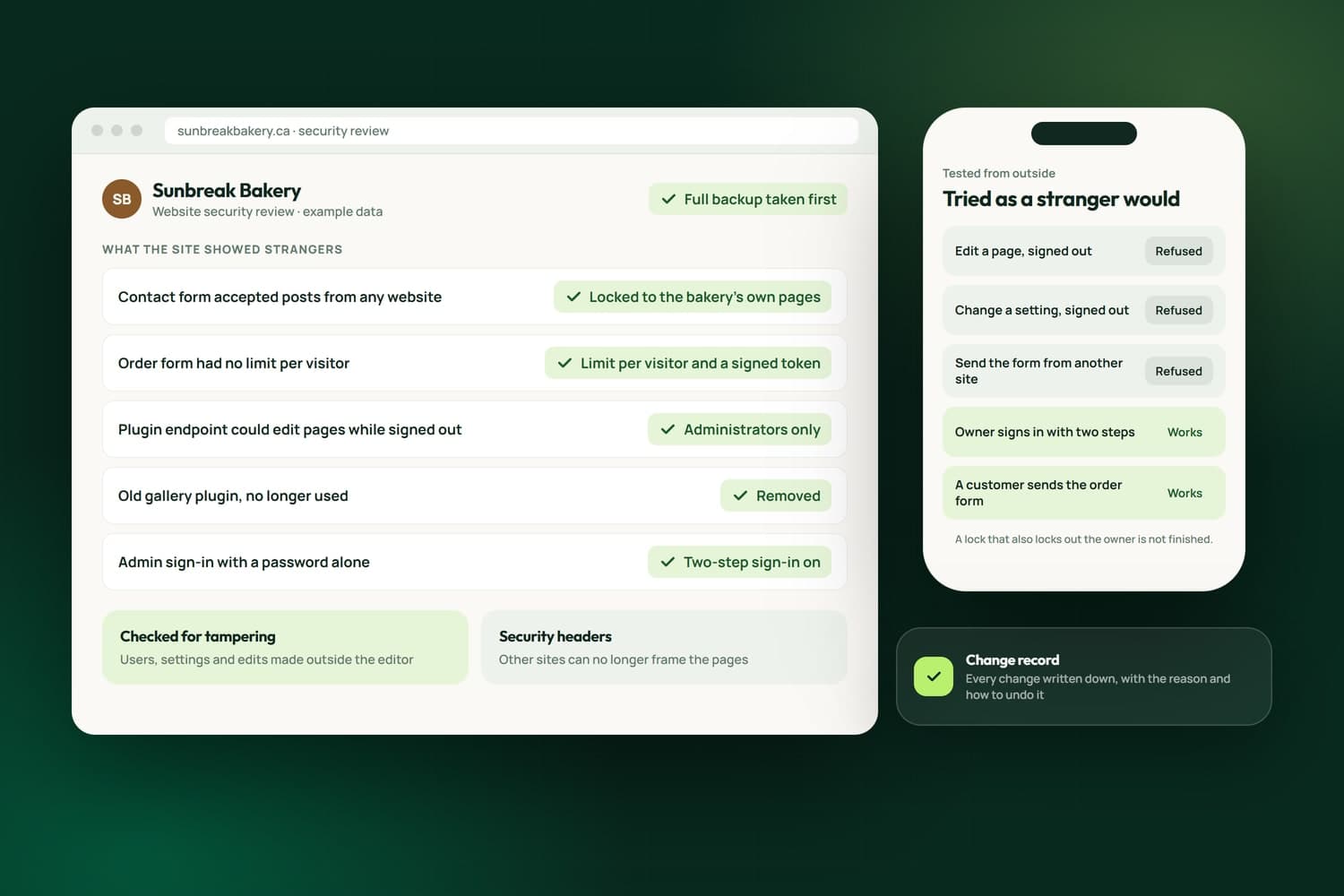
Open forms and plugin endpoints locked down, tested from outside and written down.
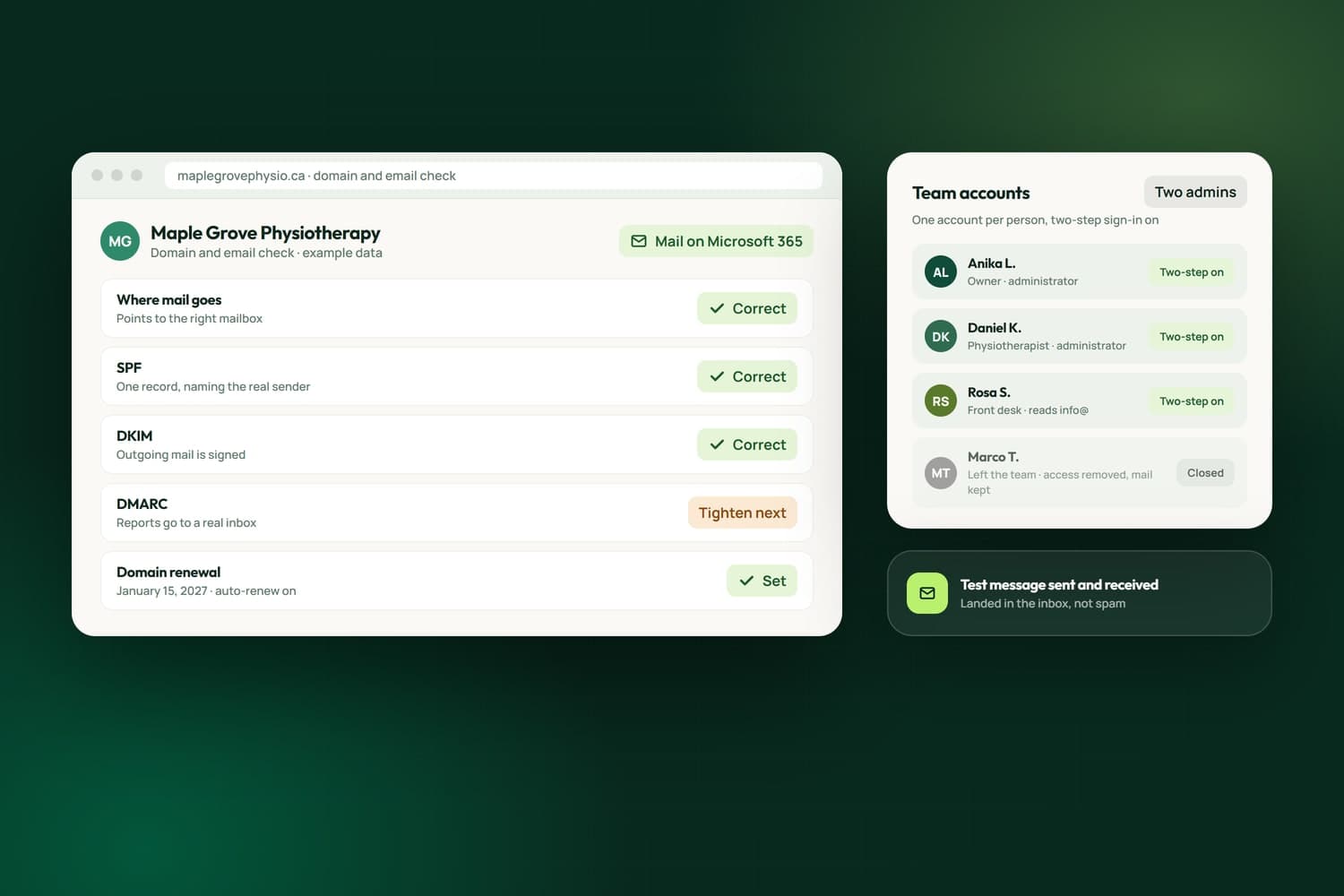
Small IT problems cost real business: email going to spam, a domain about to lapse, a new team member with no account, a lost phone that locks someone out of their mailbox. We set up and fix business email, domains, DNS, Microsoft 365 and Outlook, and the everyday IT a small team relies on, for businesses in Surrey, across the Lower Mainland and elsewhere in Canada.
This is work we have done for clients. When a client's outgoing mail was being refused by their hosting provider's mail service, we proved their DNS records were correct, showed the block came from the provider's own spam filter, and stayed on it with the provider until sending was restored. For another client we found a domain with no mail records, so every message sent to it bounced. We have reset a client's Outlook two-step sign-in and walked them through enrolling again, and sorted out the payment cards on the platforms that hold their domain and website.
We run our own business the same way. Our email is on Microsoft 365, and NameCRM, the client system we built, reads each sending domain's SPF, DKIM and DMARC records and switches to a second delivery route if a mail provider blocks sending. When something stops working, you know who to call. The free assessment looks at your email, domain and accounts, and the scope and estimate come in writing before any work begins.
What we have built
Every line here is live in NameCRM, the client system our own business email and phone lines run through. Each is taken from the product itself.
In NameCRMThe CRM we built and run our own business on
See NameCRMA built-in check reads the SPF, DKIM and DMARC records on each of your sending domains, so mail lands in the inbox instead of spam.
If your mail provider blocks outbound sending, NameCRM switches to a second delivery route and files a copy in Sent Items, with a banner saying which route is active.
An address is only marked bad on a real permanent failure, so a spam filter on the other side never gets a good client blacklisted.
Your Microsoft 365 mailbox runs inside the CRM with folders, threading, flags, reply and forward, and delete only ever moves mail to Deleted Items.
Any address on your Microsoft 365 business account can send through one organisation-wide connection with its own signature, and replies go out from the address the client wrote to.
Mail sent from Outlook directly, and every reply received, is filed onto the right client automatically, with past history brought in too.
Calendar, mail, QuickBooks, phone and Stripe connections are each judged ok, warn or down in one plain sentence, with an alert before a client notices.
Stored connections to Microsoft, Google and QuickBooks are encrypted at rest with AES-256-GCM, and a gate refuses code that would store one unsealed.
Once enrolled, an authenticator code is required at every sign-in, enforced by the database on 57 tables and by the server, not just the login screen.
Our business numbers were ported from a hosted phone service into NameCRM with their texts and voicemails imported, replacing a separate phone subscription.
Each business number's call, text and backup settings are read from the carrier and shown in one place, and every line gets a carrier-hosted fallback.
Consent under Canada's anti-spam law is checked the moment mail leaves, failing closed, and every commercial email carries a one-click unsubscribe.
How we work
The team behind Nametech has built websites and software since 2014, and Nametech Canada Ltd. was incorporated in 2025. Email and IT work follows the same steps whether it is one mailbox or a whole team.
Book a Free AssessmentThirty minutes on what is not working. Before the call we look at your domain and email from outside: where mail is sent from, what the records say and when the name renews.
A written estimate of what we will change and what we will not. Nothing is touched until you approve it.
We read the records and the provider's own messages before changing anything, so the fix matches the cause.
Each change is made, then tested: a message sent and received, a sign-in tried, a record read back.
What was changed and how to undo it, so you, or anyone after us, can follow it.
Related Services
Open forms and plugin endpoints locked down, tested from outside and written down.
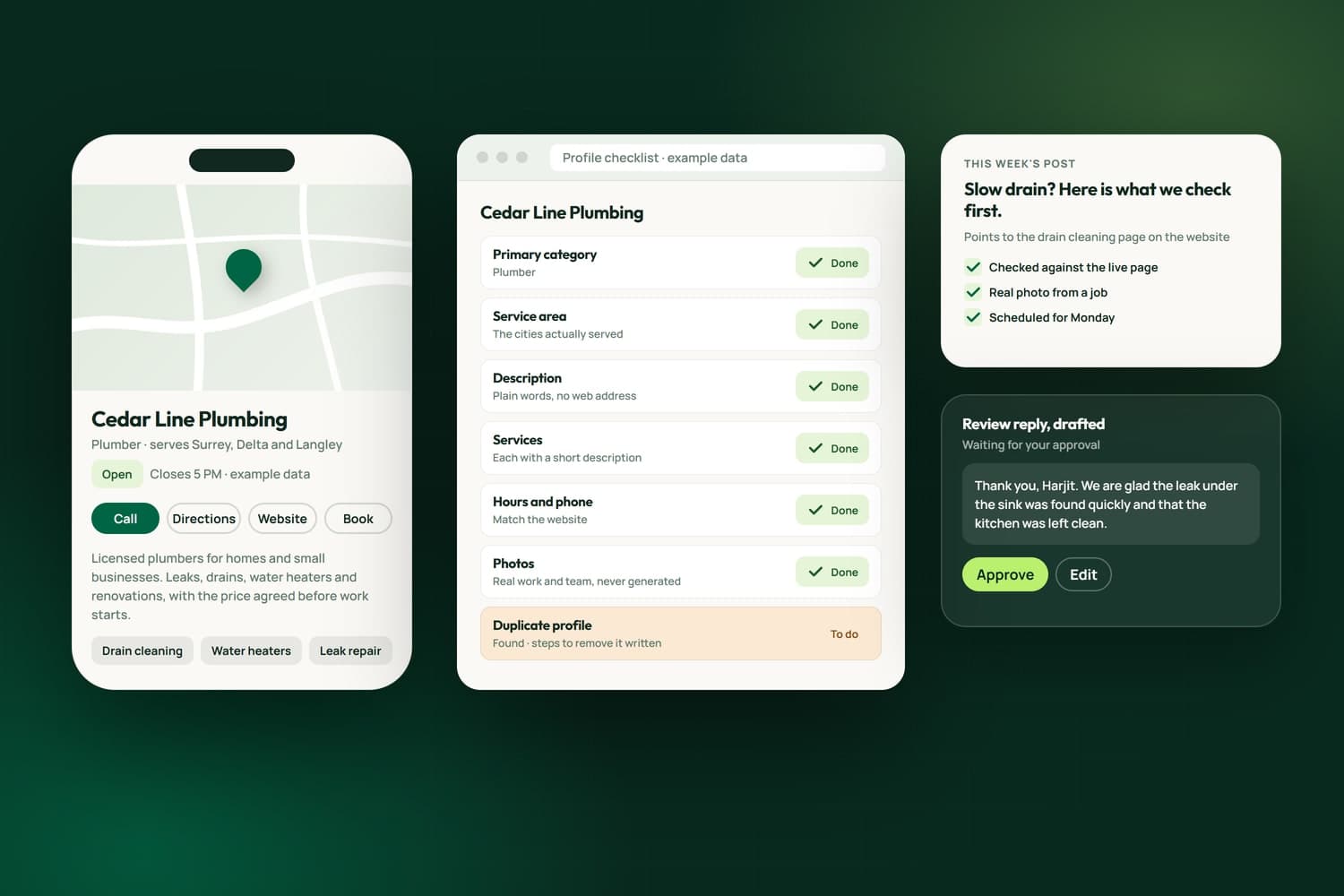
The right categories, a clear description, your services, posts and review replies.
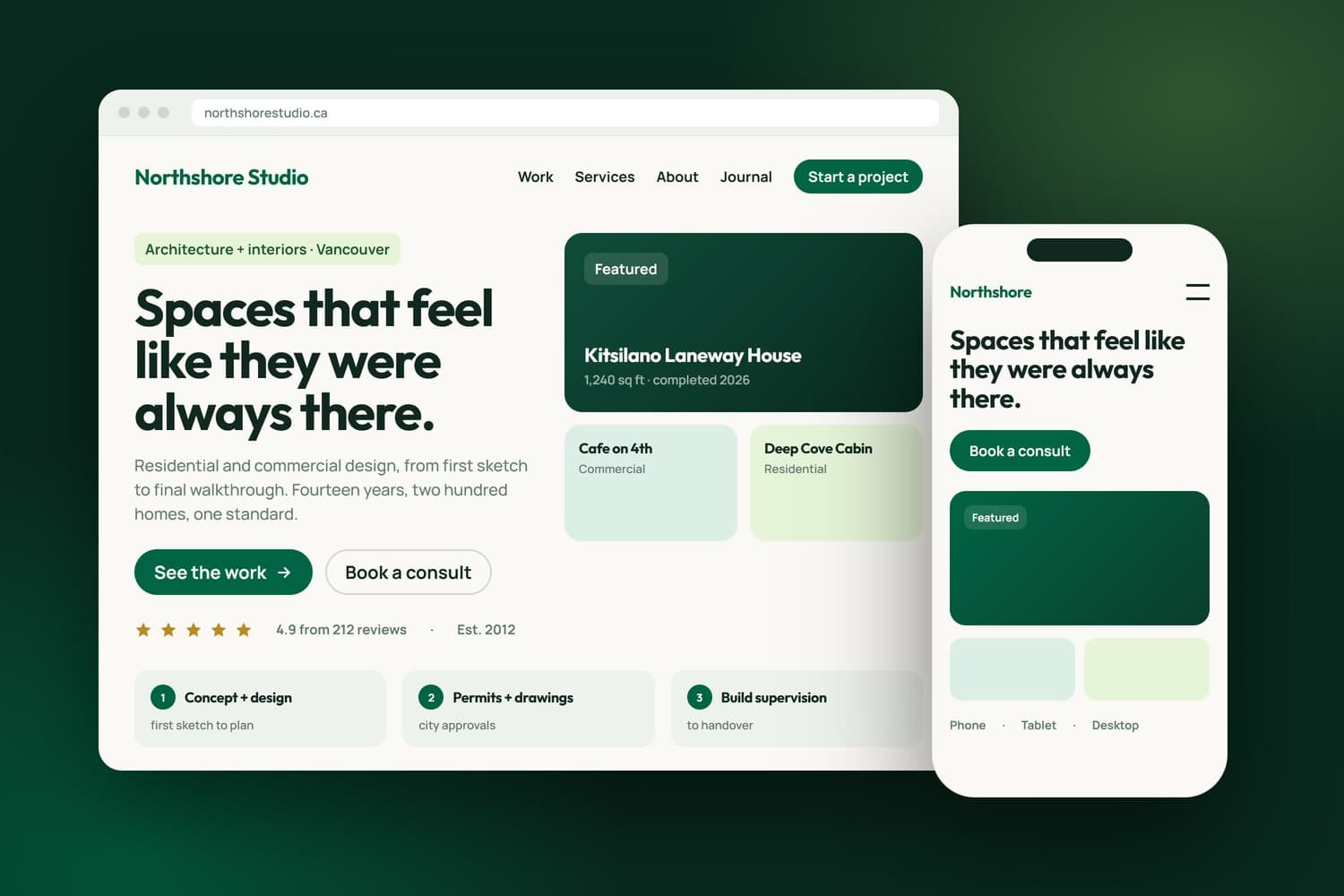
From one page to a complex platform, built custom around your business.
FAQ's
Start with the records that prove the mail is yours: SPF, DKIM and DMARC, which can be missing, duplicated or wrong. Then the sending provider: some reject mail their own filter judges as spam before it leaves. We read the records and the provider's own reject codes first, so the fix matches the cause.
Yes. A client's outgoing mail was being refused by their hosting provider's mail service. We proved their DNS records were correct, showed the block came from the provider's own spam filter, and stayed on it with the provider until sending was restored. If a provider cannot fix it, we explain what moving would take.
Yes. Our own business email runs on Microsoft 365, with a mailbox for each person and licences matched to the people who actually use them. We set up the same for a small team, with a second administrator so one lost login cannot lock the business out, or work with the email provider you already have.
Yes. We have reset a client's Outlook two-step sign-in and walked them through enrolling again on their laptop. Then we make sure there is a second way back in, such as a second administrator or a backup method, so one lost phone cannot lock the business out of its own email.
Who it is registered to and where, when it renews and whether auto-renew is on, where its DNS is hosted, and whether its mail records point to a real mailbox. On one client's domain we found no mail records, so every message sent to it bounced, and auto-renew switched off ahead of its renewal.
Yes, as help when you need it: email, domains, accounts, Outlook, sign-in problems and the platforms behind your website. You contact us when something stops working, we find the cause and fix it, and we write down what was changed so you, or anyone after us, can follow it.
Yes. A new team member gets an email account, a licence and two-step sign-in. When someone leaves, their access is removed and their mail is kept or passed on, so nothing is lost and nobody keeps a way in. We do it in the admin consoles of the tools you already pay for.
It depends on the job. Fixing one domain's mail records is small; moving a whole team to a new email provider is larger. We publish no flat price; after the free assessment you get a written estimate before any work starts.