Can you build a quote calculator for our website?
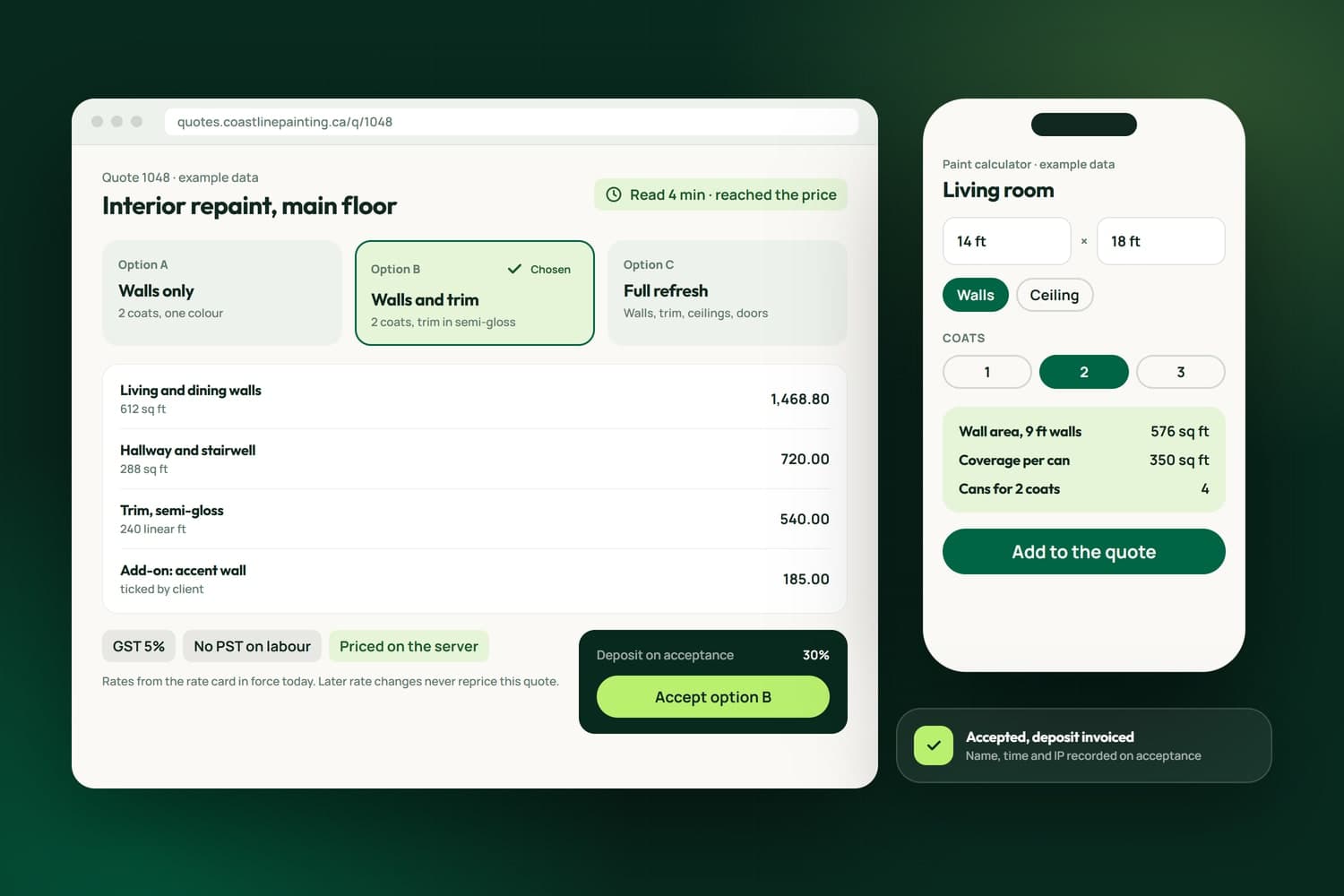
Yes. A calculator on your site asks for what drives your price, such as rooms, square footage or a package, shows a range or a firm price, and sends the request into your CRM as a contact. We write the rules from your own price sheet, and say plainly where a site visit still has to set the final number.
Do you sell quoting software, or build it for us?
We build it for you. Your prices, tax rules, wording and templates live in a tool made around how you sell, in your brand, instead of a subscription shaped for every trade at once. If a packaged tool would do the job well enough, the free assessment says so, and we can set that up instead.
How are GST and PST handled?
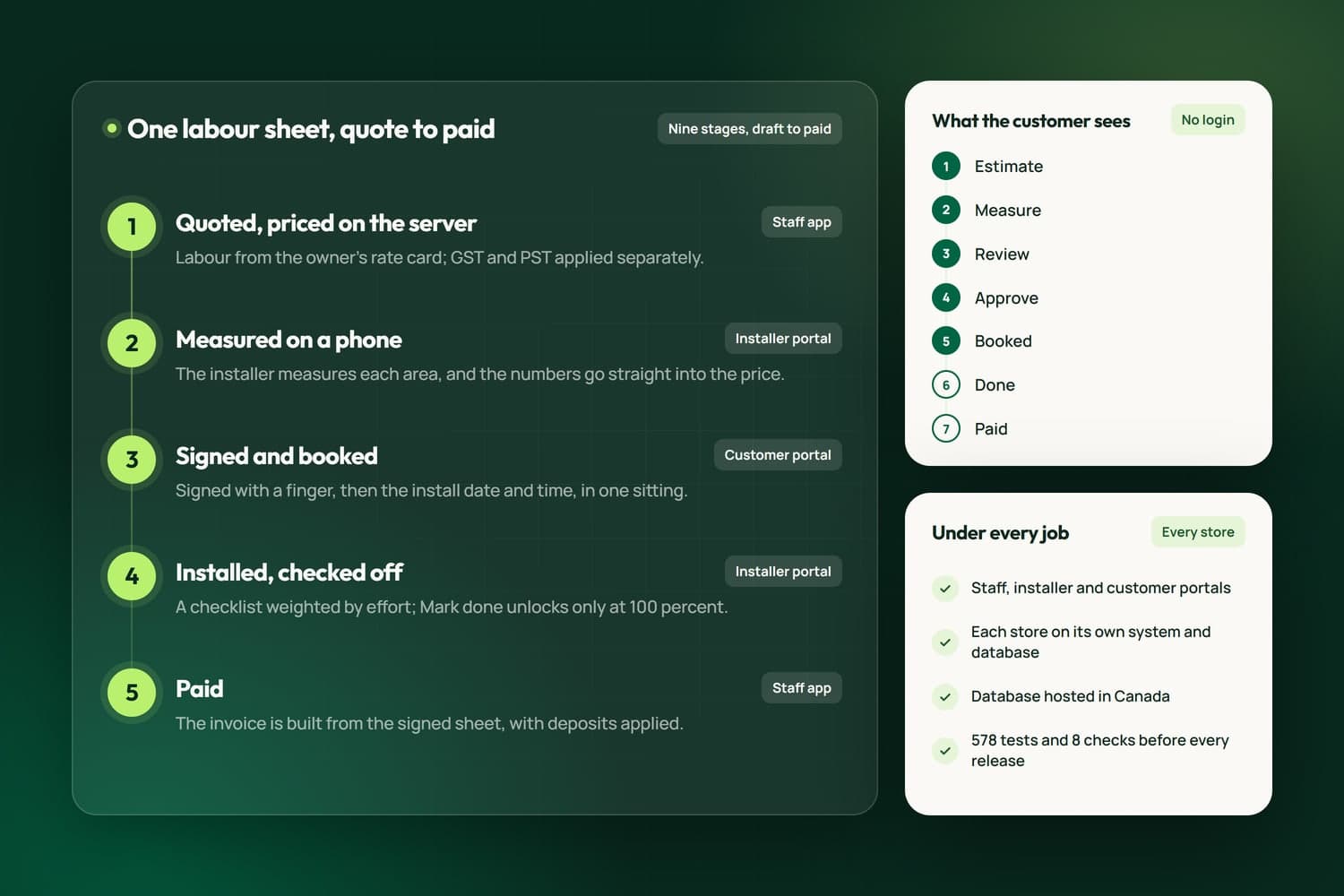
They are worked out separately, the way BC charges them. In iFloor a customer's PST exemption is honoured and shipping is taxed for GST only, because it is a service. The rules live in the calculation itself, so nobody works tax out by hand and the invoice matches the quote.
Can clients accept a quote online?
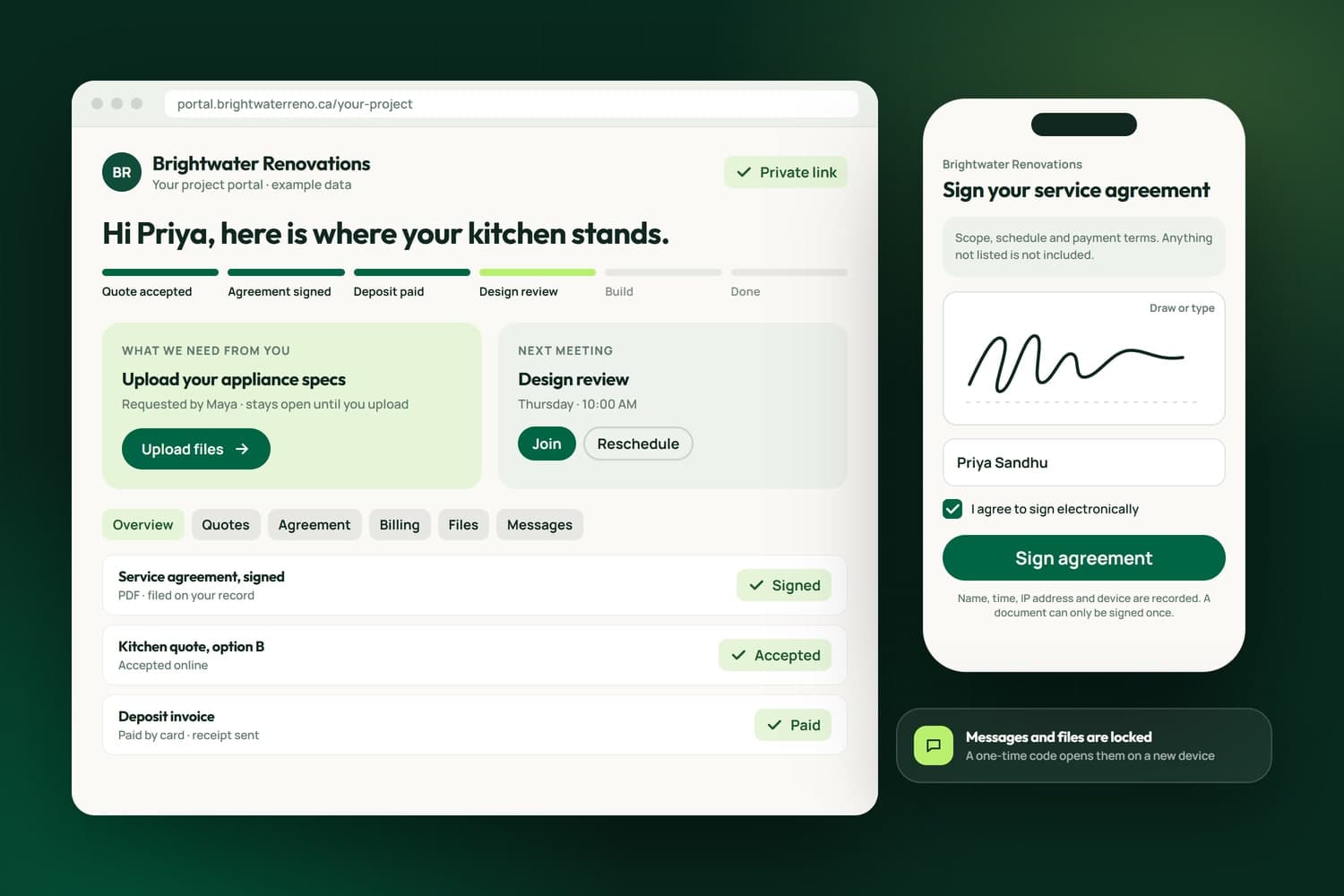
Yes. In NameCRM a client accepts by typing their name, with the time and IP recorded, and the deposit invoice is raised on acceptance. In iFloor a customer accepts in their portal or signs with a finger on a phone, and a full snapshot of the quote is saved and locked.
What happens to our quotes when our prices change?
Nothing a customer already saw changes. Each version of an iFloor sheet is stamped with the rate card it used, so next month's rates never rewrite an old price. If an approved price has to go up, the sheet goes back to the customer to approve again before anyone is billed for it.
Can an accepted quote turn straight into an invoice?
Yes, and that is the point of building it in one place. One money calculation feeds the quote, the letter, the invoice and the PDF, and acceptance raises the deposit invoice and drafts the balance. Nothing is retyped, so the price a client agreed is the price on every document after it.
Can we tell whether a client has read the quote?
Yes. NameCRM shows which sections a client read and for how long, and a quote is only marked viewed when the client opens it, never when your staff preview it. iFloor tells the salesperson who owns the job the moment a customer opens their estimate, and adds a follow-up if they leave.
Will it work with QuickBooks Online?
Yes. In NameCRM every customer, estimate, invoice, payment and refund is mirrored to QuickBooks Online with the same numbers, so your bookkeeper works in QuickBooks without entering anything twice. The quote is the first link in that chain, which is why we build the quote and the books as one flow.