
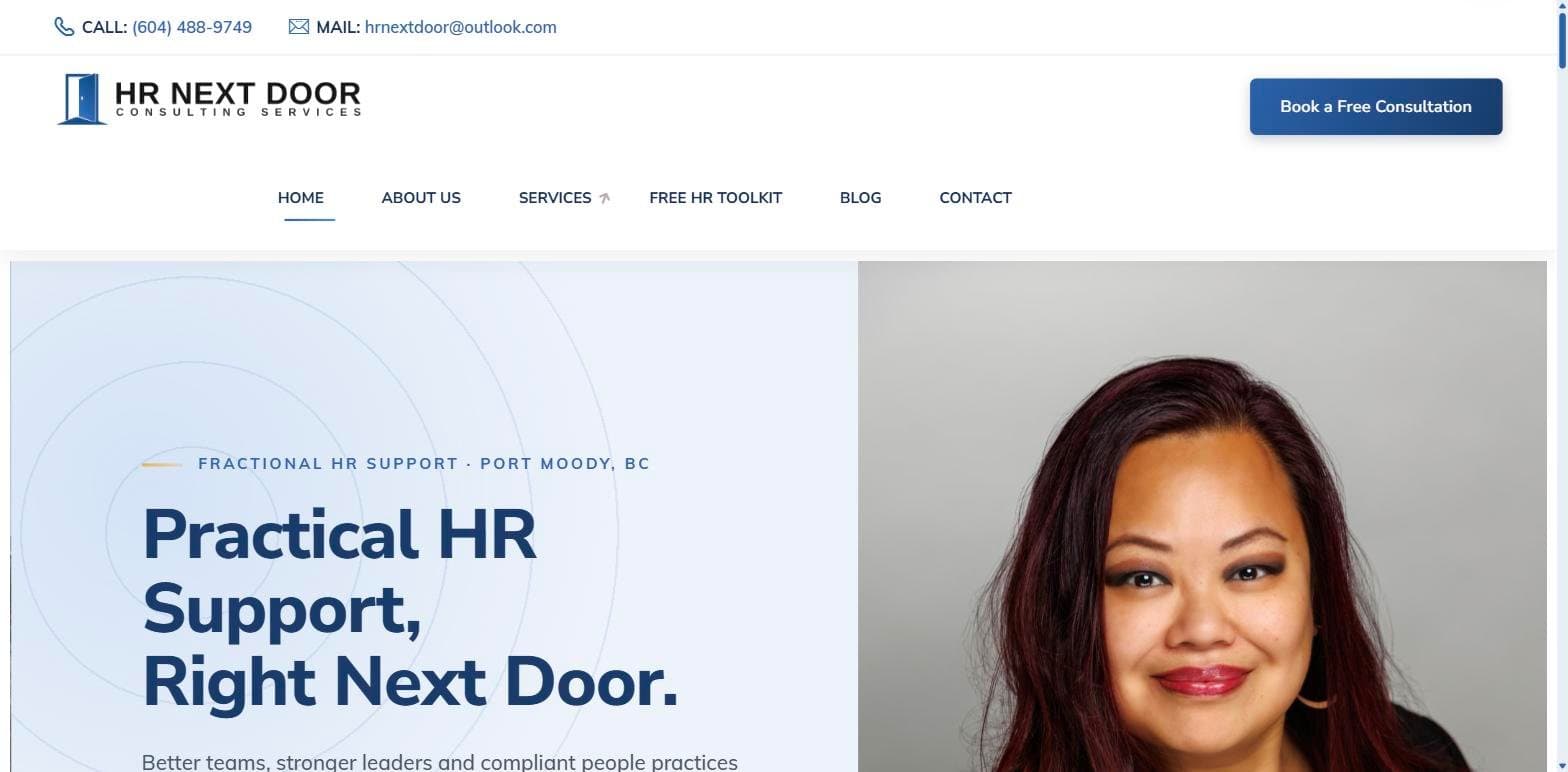
HR Next Door
A complete WordPress website for Port Moody's HR Next Door, with twelve service pages, a free HR Audit Toolkit lead magnet, client reviews and SEO-optimized content for fractional HR support across BC's Tri-Cities.
View project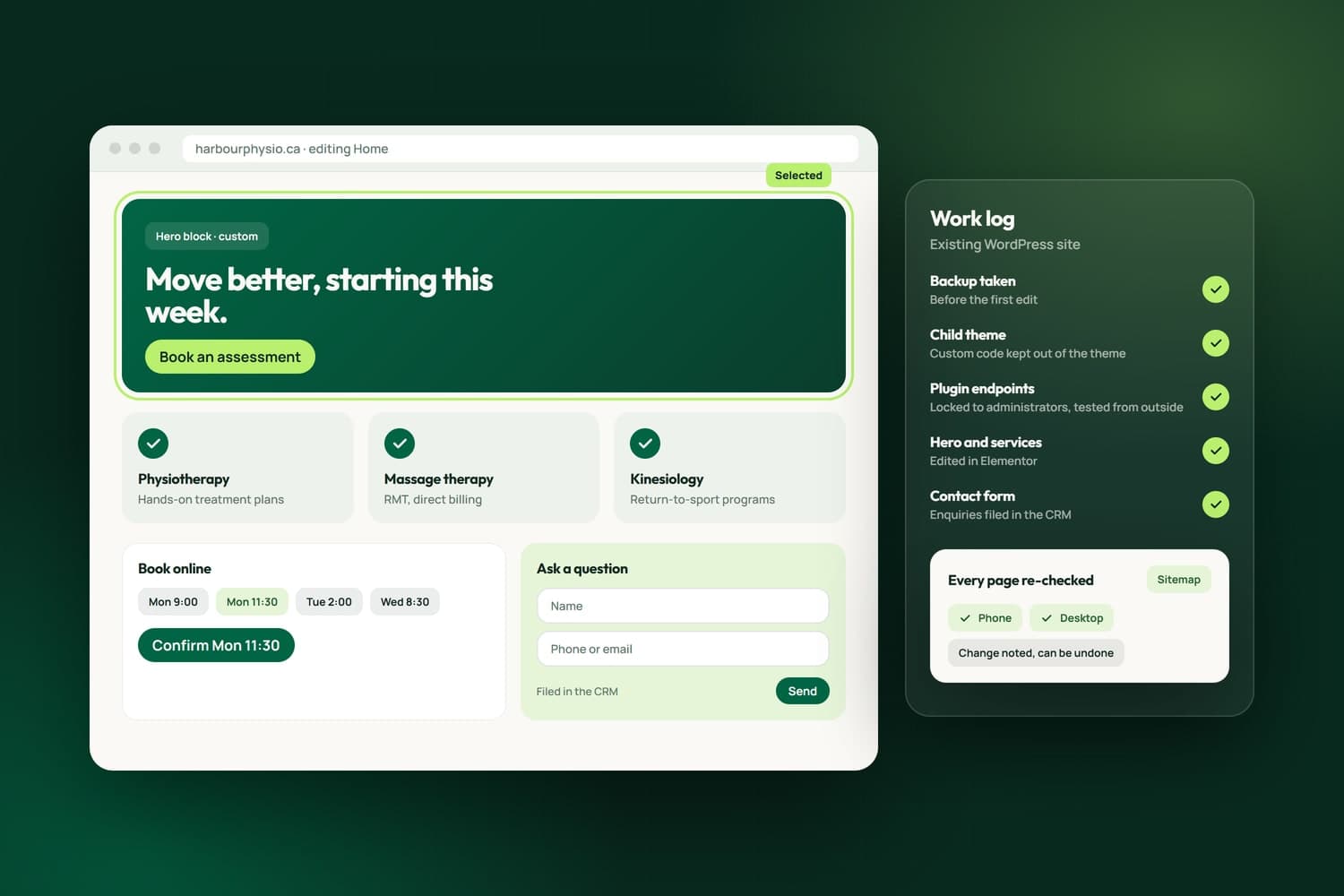
We are WordPress developers in Surrey who work on the site you already have. We have built and looked after WordPress sites for a beauty studio, a coach, an HR consultancy, a renovation company, a cybersecurity firm and a food bank, so we know the themes, Elementor and WooCommerce from the inside, and we fix, extend and secure a site without starting over.
Every change is made the careful way. We back up before we edit, and custom work goes in a child theme so a theme update cannot undo it. When something breaks, we read the site's own revision history: that is how we traced a price list that had stopped working to the edit that broke it, and restored it without losing the newer prices. After a change we re-check every page in the sitemap, on a phone as well as a desktop.
Security is part of the work, not an extra. We look for what plugins leave open to strangers, such as endpoints that can change your pages without a login, lock them to administrators and test the lock from outside. Because we also build custom websites and CRMs, your forms can file every enquiry in a CRM, and when a site has outgrown WordPress we say so plainly. When a site's form emails land in spam, the cause is often the domain's mail records, which our IT and email setup work traces and fixes. Our own site ran on WordPress until we rebuilt it as a custom site, keeping every page address.
What we have built
The first six come from WordPress sites in our case studies, each one public. The last three are tools in NameCRM, the client system our agency runs on, that any WordPress site can use. Each line is taken from the case study or the product itself.
For our clientsBuilt for the businesses we work with
See all our case studiesHR Next Door runs on its theme with a custom child theme, and each of its twelve service pages follows one pattern and links to all twelve.
Read the HR Next Door case studyForever True's price list sits on its home page, with single sessions beside packages, and every booking button opens the studio's own Fresha page.
Read the Forever True case studyOn Sayeda Fatima Food Bank's WordPress site, families book pickups that are verified through Twilio, kept at least 60 days apart and synced to Google Calendar.
Read the food bank case studyShopBerbeR runs on WordPress and WooCommerce as a multi-vendor marketplace: sellers register themselves, get their own storefront and manage products, orders and payouts from a dashboard.
Read the ShopBerbeR case studyMagnus Coaching's booking page offers three session types, each on its own TidyCal calendar, and the Zoom link arrives automatically once a time is chosen.
Read the Magnus Coaching case studyJLJ Painting's quote form lists the same seven services as the site, so every enquiry arrives sorted by type of job, and CleanTalk screens it for spam first.
Read the JLJ Painting case studyIn NameCRMThe CRM we built and run our own business on
See NameCRMA website's forms land in NameCRM as matched contacts with a notice to you, and job applications are filed and tagged separately.
NameCRM's public forms combine a hidden trap field, a minimum fill time, a server-signed token, a small proof of work and per-visitor rate limits.
A polite crawler reads up to 15 pages of your site for broken links and contact details, recognises about 70 technologies, and Google PageSpeed scores it.
How we work
The team behind Nametech has built websites since 2014. Work on an existing WordPress site follows the same steps every time, whether it is one broken page or a new store.
Book a Free AssessmentThirty minutes on what is wrong or missing. We look at the site before the call: what is installed, what is slow and what is open to strangers.
A written estimate of what we will change and what we will not. Nothing on the site is touched until you approve it.
A full backup first, custom work kept in a child theme, and every change noted so it can be undone.
After each change we re-check the pages in your sitemap, on a phone and a desktop, and fix anything the change disturbed.
Updates, fixes and small changes after the work, on a care plan or by the hour.
Case studies
A complete WordPress website for Port Moody's HR Next Door, with twelve service pages, a free HR Audit Toolkit lead magnet, client reviews and SEO-optimized content for fractional HR support across BC's Tri-Cities.
View project
We built the Forever True Spa & Laser Studio website on WordPress: an elegant, ladies-only beauty clinic site with treatment and pricing menus, a client results gallery, team bios and Fresha online booking.
View project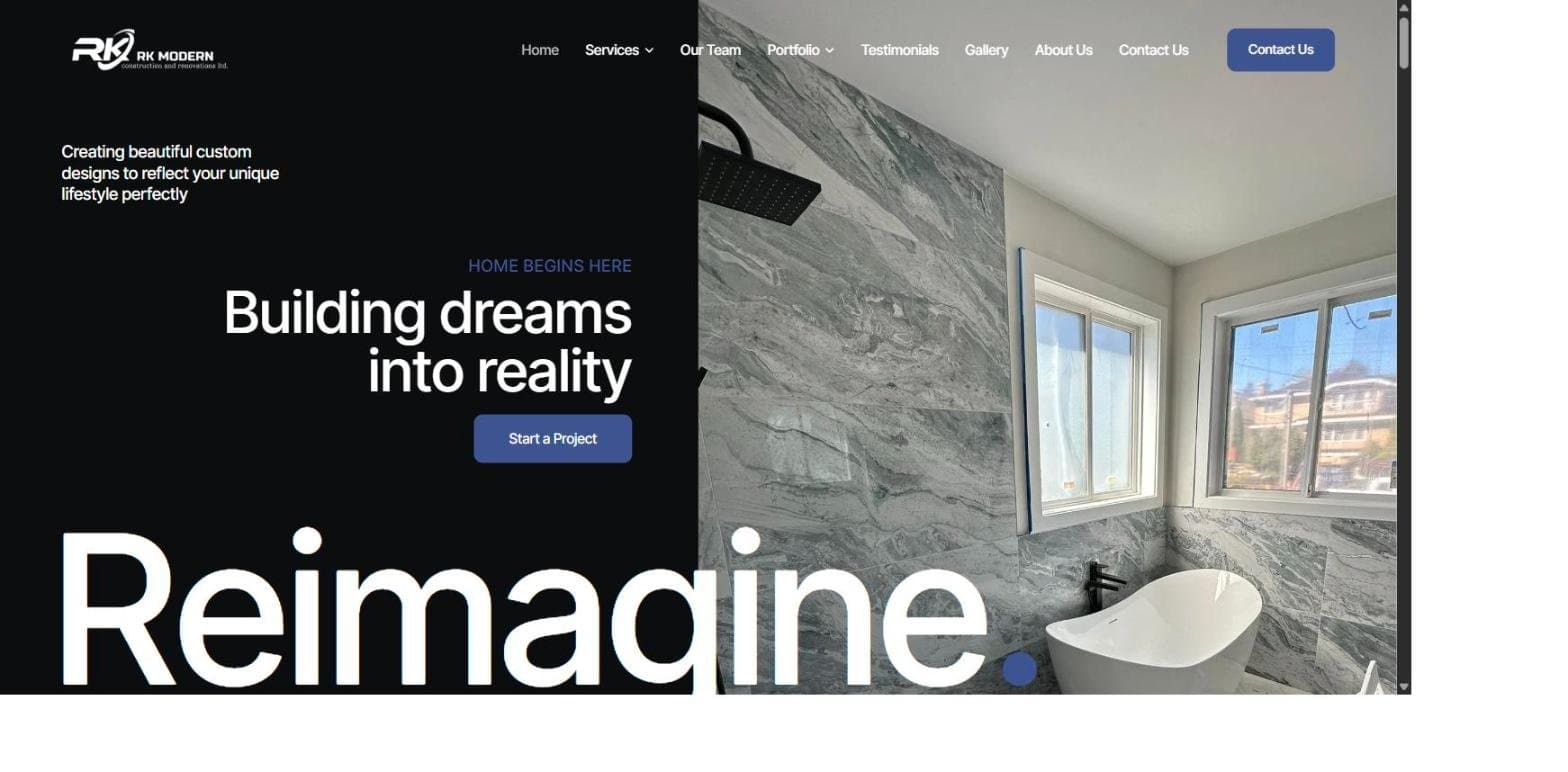
A modern WordPress and Elementor website for RK Modern Construction, a BC renovation company building since 2012, with service pages, a project portfolio, a photo gallery and verified Google reviews.
View project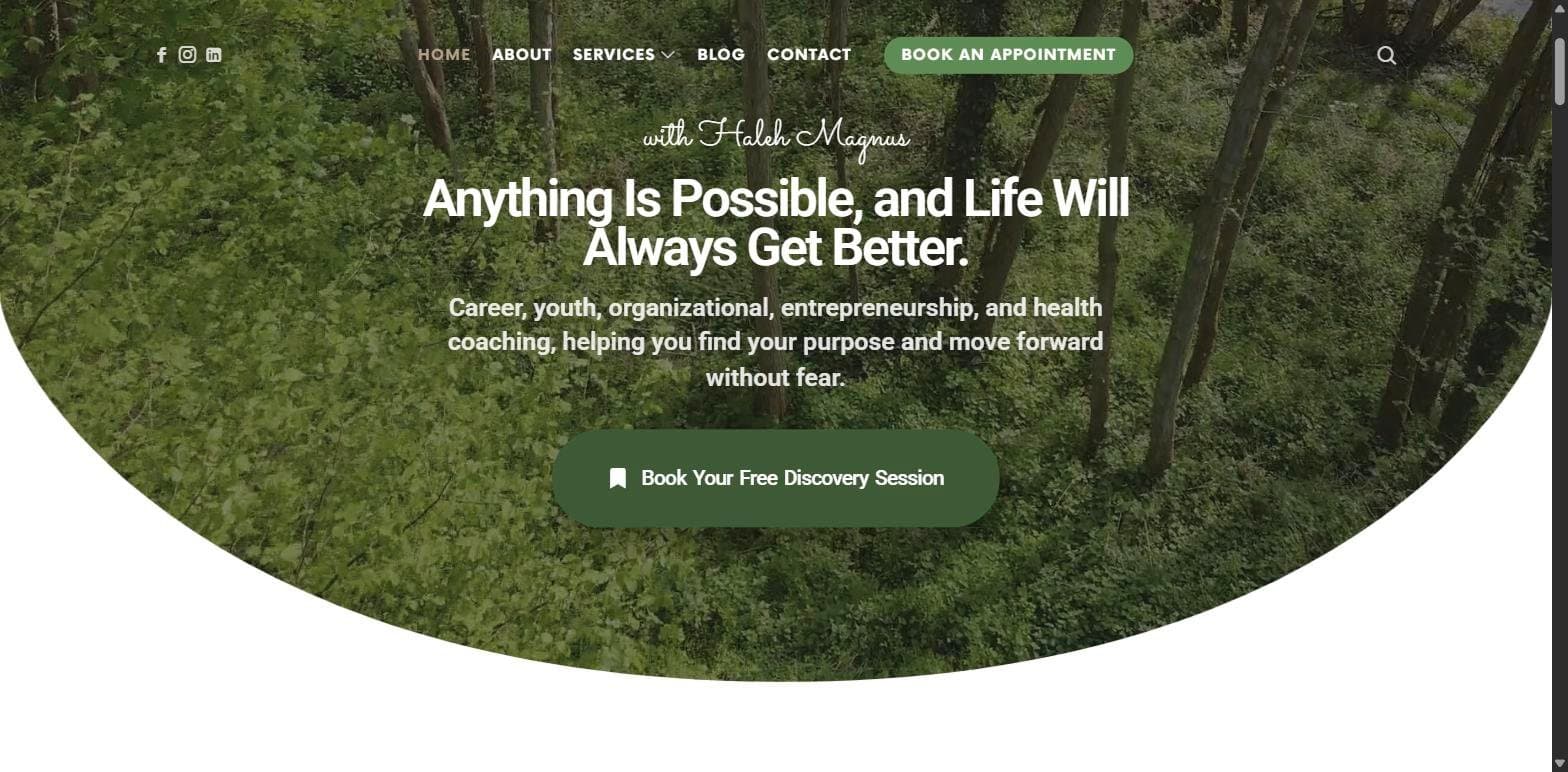
A warm, professional coaching website for Magnus Coaching in Langley, BC, built on WordPress, with online booking that sends Zoom links automatically, six service pages, a blog and client testimonials.
View project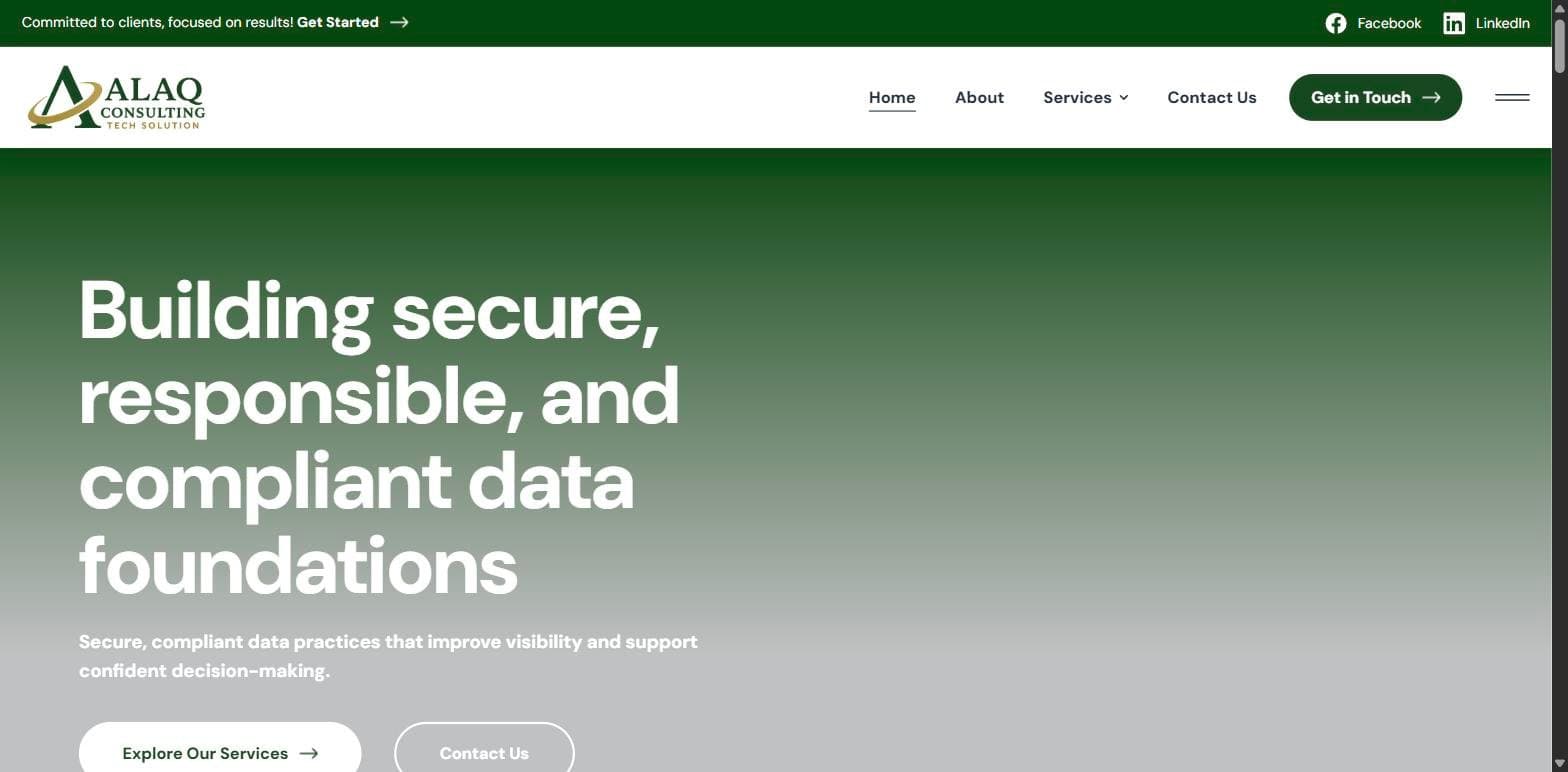
A corporate WordPress website for Alaq Consulting Tech Solution, a Columbus, Ohio cybersecurity consultancy, with six service pages, consultation request forms and a framework-aligned brand presence for regulated industries.
View project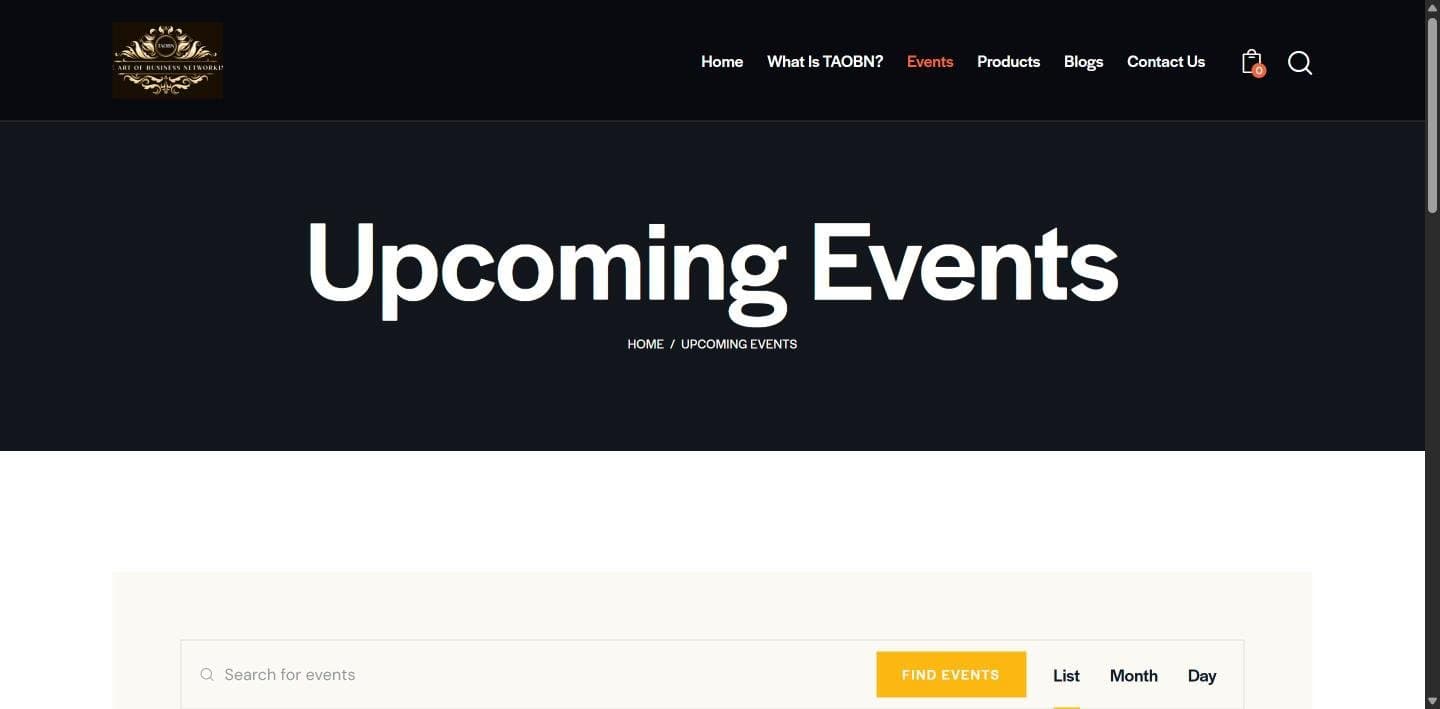
We built The Art of Business Networking's WordPress site with its events calendar and Eventbrite links, and we run its Instagram, Facebook and LinkedIn.
View projectRelated Services
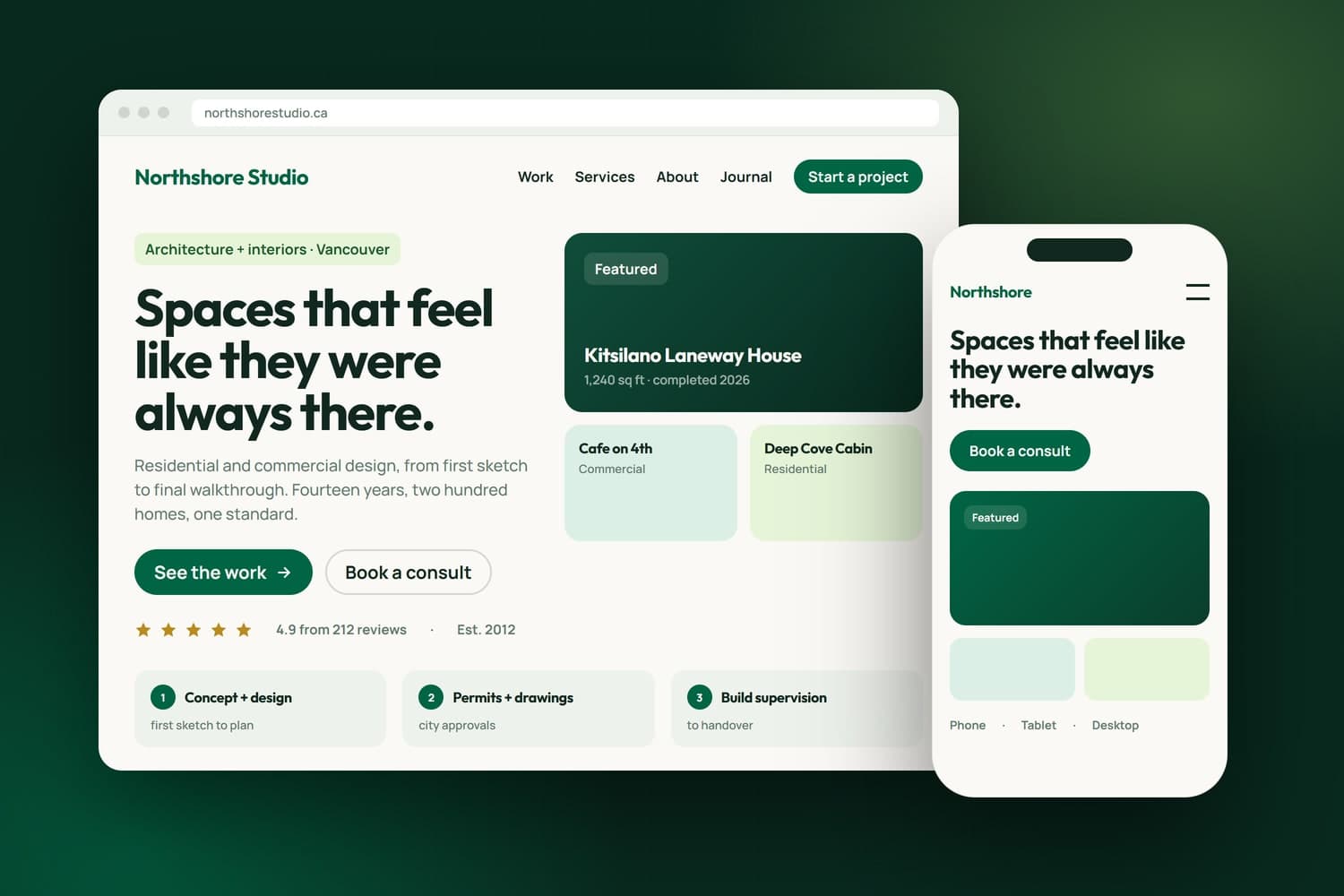
From one page to a complex platform, built custom around your business.
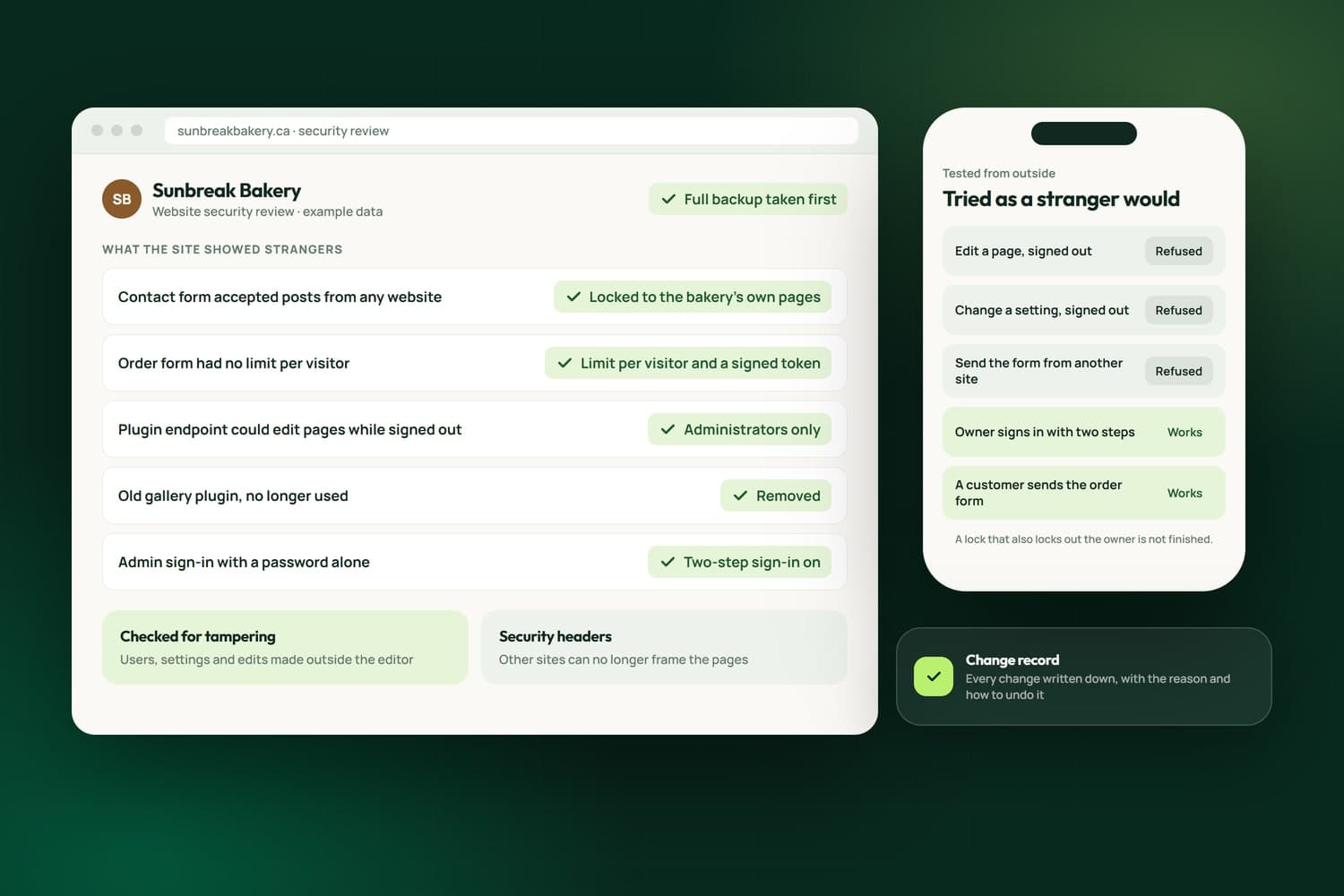
Open forms and plugin endpoints locked down, tested from outside and written down.
Found on Google, in Maps and in AI answers, and measured in Search Console.
Related reading
Areas we serve
We are WordPress developers based in Surrey, working on existing sites for businesses in Langley, Coquitlam, Port Moody, Vancouver, Burnaby, Richmond, Delta, New Westminster and White Rock.
FAQ's
Most sites are worth keeping: a broken layout, a slow page or a missing feature can usually be fixed where it is. We recommend a rebuild only when the fixes would cost more than they return, or the site cannot do what your business needs next. Our own site made that move, and kept every page address.
We start with what the site exposes to strangers: plugin endpoints that can change content without a login, admin actions left open, outdated plugins and unprotected forms. Each one is locked to administrators or removed, then tested from outside the way a stranger would try it, and we check nothing was tampered with before we arrived.
Not when the work is done properly. Custom code lives in a child theme, not in the theme itself, so an update to the theme leaves it alone. We back up before every change, note what we changed, and after an update we re-check the pages the change touched, so nothing breaks unnoticed.
Yes. A form can still email you, and it can also file the enquiry in a CRM. In NameCRM, the system our agency runs on, website enquiries land as matched contacts with a notice to you, so an enquiry is never lost in an inbox and every follow-up sits on one record.
Yes. After the work we can look after the site on a care plan or by the hour: plugin and theme updates, fixes when something breaks, small changes and new pages. We take a backup before any change, and afterwards we re-check the pages it touched, on a phone as well as a desktop.
You do. The changes we make, the child theme included, are yours once the work is paid, and the site and its content are your business's. If we host the site or hold the domain, we transfer them to you whenever you ask. Themes and plugins stay under their makers' licences, and every change is written down.
It depends on the job. A fix to one page is a small job, while a WooCommerce store or a booking system with its own rules is a project. After the free 30-minute assessment you get a written estimate of what is and is not included, GST added on top. Call 604-900-2060 for pricing, or read how our pricing works.
Yes, that is most of what this service is. We work with the theme, page builder and plugins already on your site, including Elementor and WooCommerce. We start by reviewing what is installed and what is slowing the site down, then tell you what is worth fixing and what is not.
An administrator login for WordPress and, ideally, access to the hosting account, so we can take a full backup before changing anything. A short list of what is broken or missing helps too. Book the free assessment first and we will look at the site ahead of the call, then send an estimate for the work.