
Sayeda Fatima Food Bank
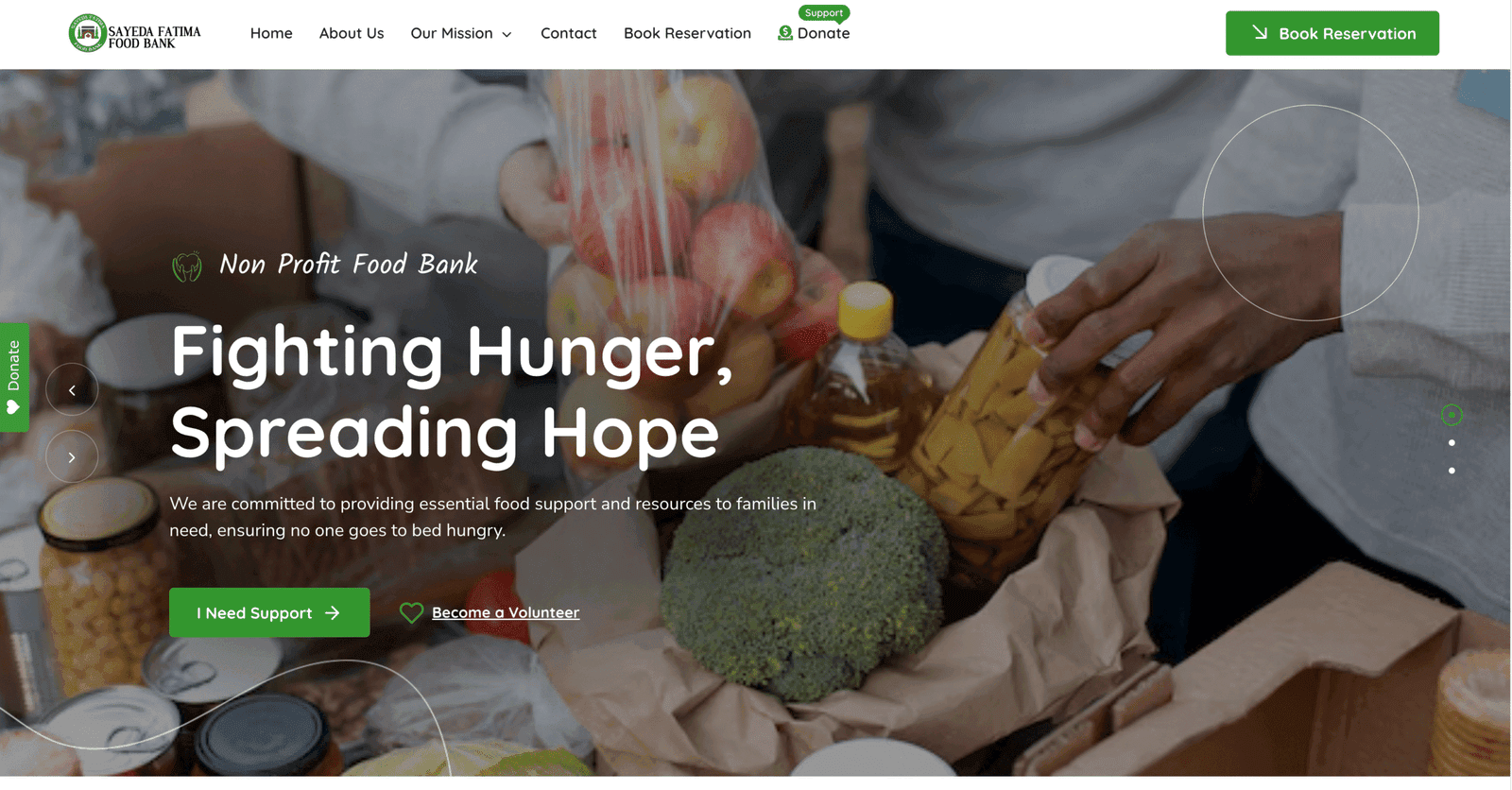
A custom appointment system for Sayeda Fatima Food Bank in Calgary, with Twilio verification, family booking rules, rescheduling and Google Calendar sync.
View project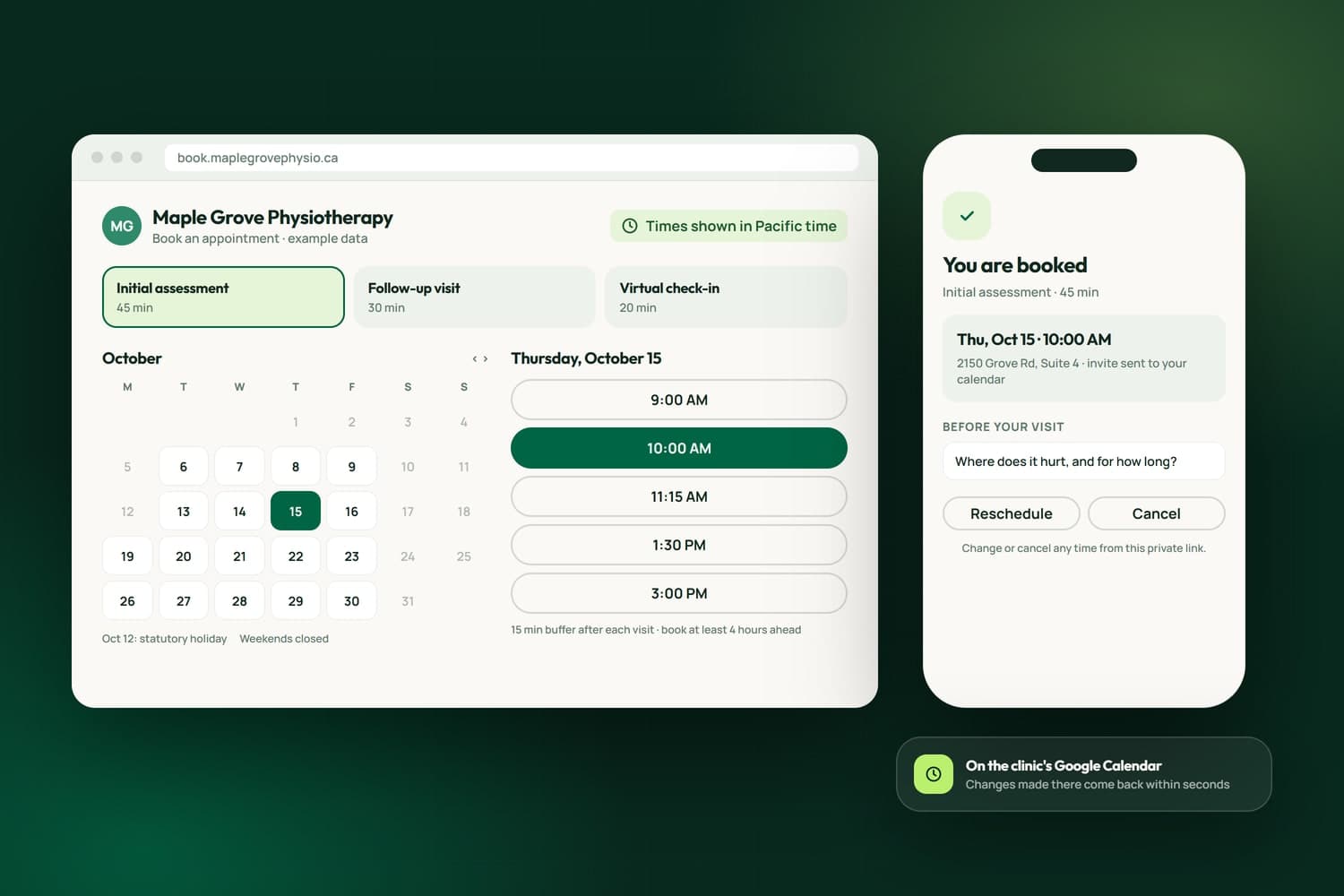
An online booking system should fill your calendar without filling your inbox: customers pick a real free time, get a confirmation, and move or cancel it themselves, while your own rules decide what can be booked and when. We build and set up online booking for businesses in Surrey, across the Lower Mainland and elsewhere in Canada, from one button on a website to scheduling a whole crew.
We have done it at every size. A Calgary food bank's families book pickups through a system that verifies each person and enforces the food bank's rules. A Langley coach's clients pick a session and get the Zoom link automatically. Our own NameCRM books from our real Google Calendar, and iFloor lets a homeowner pick a measurement slot, then approve the estimate and book the install in one sitting.
Where a tool such as Fresha or Calendly already fits, we set it up properly and put it where customers look for it. Where your rules do not fit a tool, we build the booking around them. The free assessment decides which, and the scope comes in writing before any work begins.
What we have built
Three are live on client websites and each has a published case study. The rest are live in NameCRM, where our own clients book their calls, and in iFloor, where a Richmond flooring store books measurements and installs. Each line is taken from the case study or the product itself.
Counted on September 29, 2026, from the products' own code and test records.
For our clientsBuilt for the businesses we work with
See all our case studiesFamilies book food pickups online, every user is verified through Twilio, bookings are restricted by family with a minimum gap between them, and every confirmed booking syncs to Google Calendar for staff.
Read the case studyA coach's booking page offers three session types, each on its own calendar, and a visitor who picks a time gets the Zoom link automatically.
Read the case studyA consultancy's site carries a link to book a 15-minute call at the top of every page and a booking calendar on its contact page that resizes to fit a phone.
Read the case studyIn NameCRMThe CRM we built and run our own business on
See NameCRMClients book from your real free time in their own time zone, with lead time and business days respected, and reschedule or cancel from a private link.
See NameCRMEach bookable meeting type has its own length, buffers, minimum notice and daily cap, and booking honours your working hours, blocked dates and statutory holidays.
Changes reach Google instantly and changes made in Google arrive within seconds, and the person who books becomes a guest on a real Google invite with a Meet link and gets a confirmation text.
Prospects answer a short questionnaire that adapts to the topics they picked, and the answers land as a pinned note, a notification and an email before the call.
The AI receptionist books, moves or cancels a meeting in the real calendar while the caller is still on the phone, adds a Google Meet link and sends the invite.
Upcoming meetings show a live countdown and a Join button in the client's portal, where they can also add, reschedule or book time.
In iFloorThe system a Richmond flooring store runs on every day
See iFloor30minute slots
From their portal a customer picks a measurement time in 30-minute slots from 8:00 to 4:30, windows where every installer is booked are greyed out, and staff confirm in place.
See iFloorApproving the estimate runs straight into picking an install date and time on the store's own calendar, in three steps: date, time, sign.
The day before an install the customer gets a text and email naming their installer, and each installer gets a text at 7 AM with the labour sheet emailed alongside.
How we work
The team behind Nametech has built websites and software since 2014, and Nametech Canada Ltd. was incorporated in 2025. Every build follows the same five steps, from a one-page website to a CRM.
Book a Free AssessmentThirty minutes on how work moves through your business today, your website and your tools, then a plain answer on what we would build first.
A written scope and estimate that says what is included and what is not. Nothing starts until you approve it.
We build in small releases you can try as we go, and every release passes our automated tests before it reaches you.
Your records moved in and checked, your team shown how it works, and the switch made on a day that suits you.
Fixes, updates and new features after launch, shipped as small releases with the same tests behind every one.
Case studies
A custom appointment system for Sayeda Fatima Food Bank in Calgary, with Twilio verification, family booking rules, rescheduling and Google Calendar sync.
View project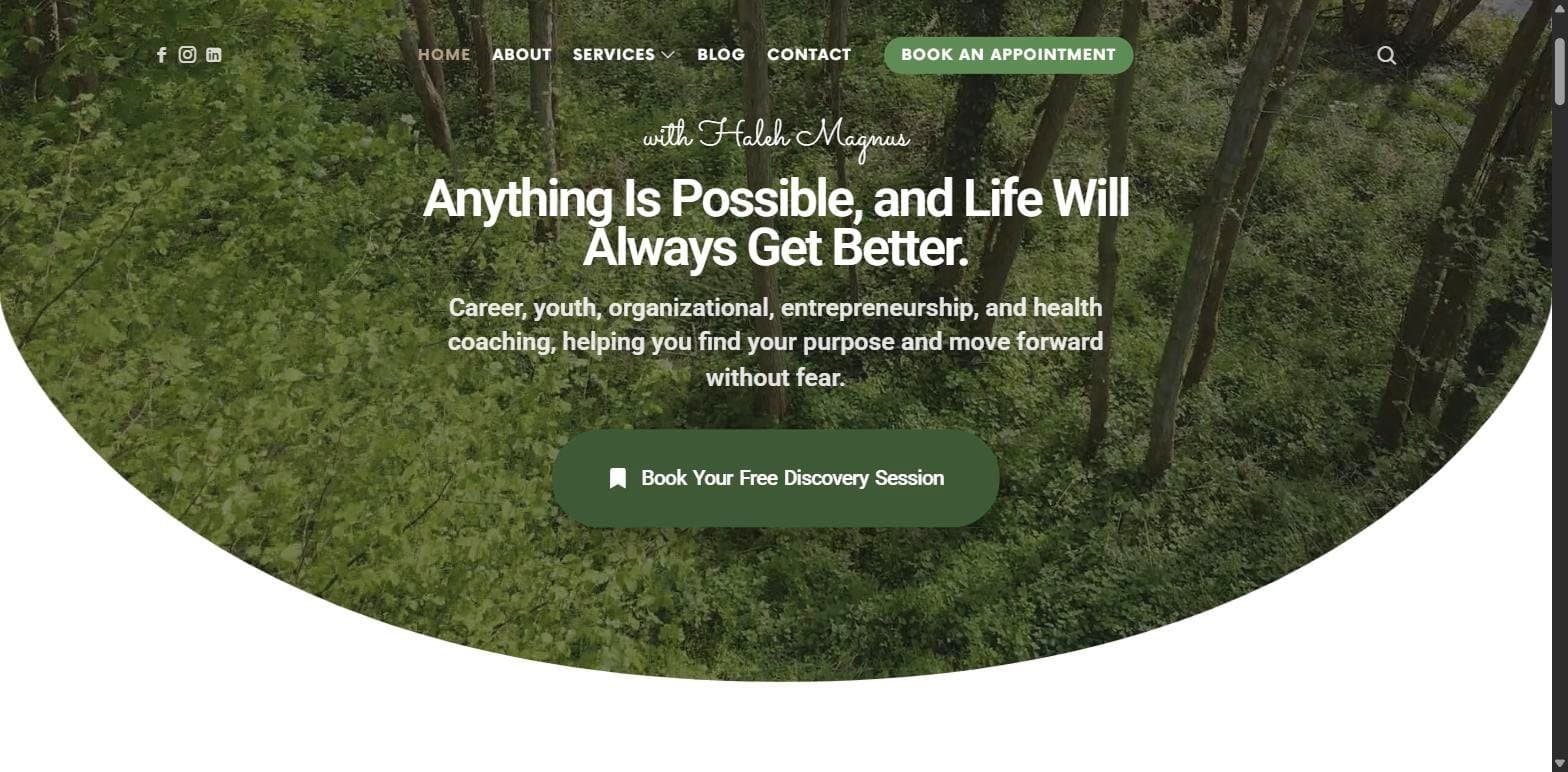
A warm, professional coaching website for Magnus Coaching in Langley, BC, built on WordPress, with online booking that sends Zoom links automatically, six service pages, a blog and client testimonials.
View project
We built the Forever True Spa & Laser Studio website on WordPress: an elegant, ladies-only beauty clinic site with treatment and pricing menus, a client results gallery, team bios and Fresha online booking.
View project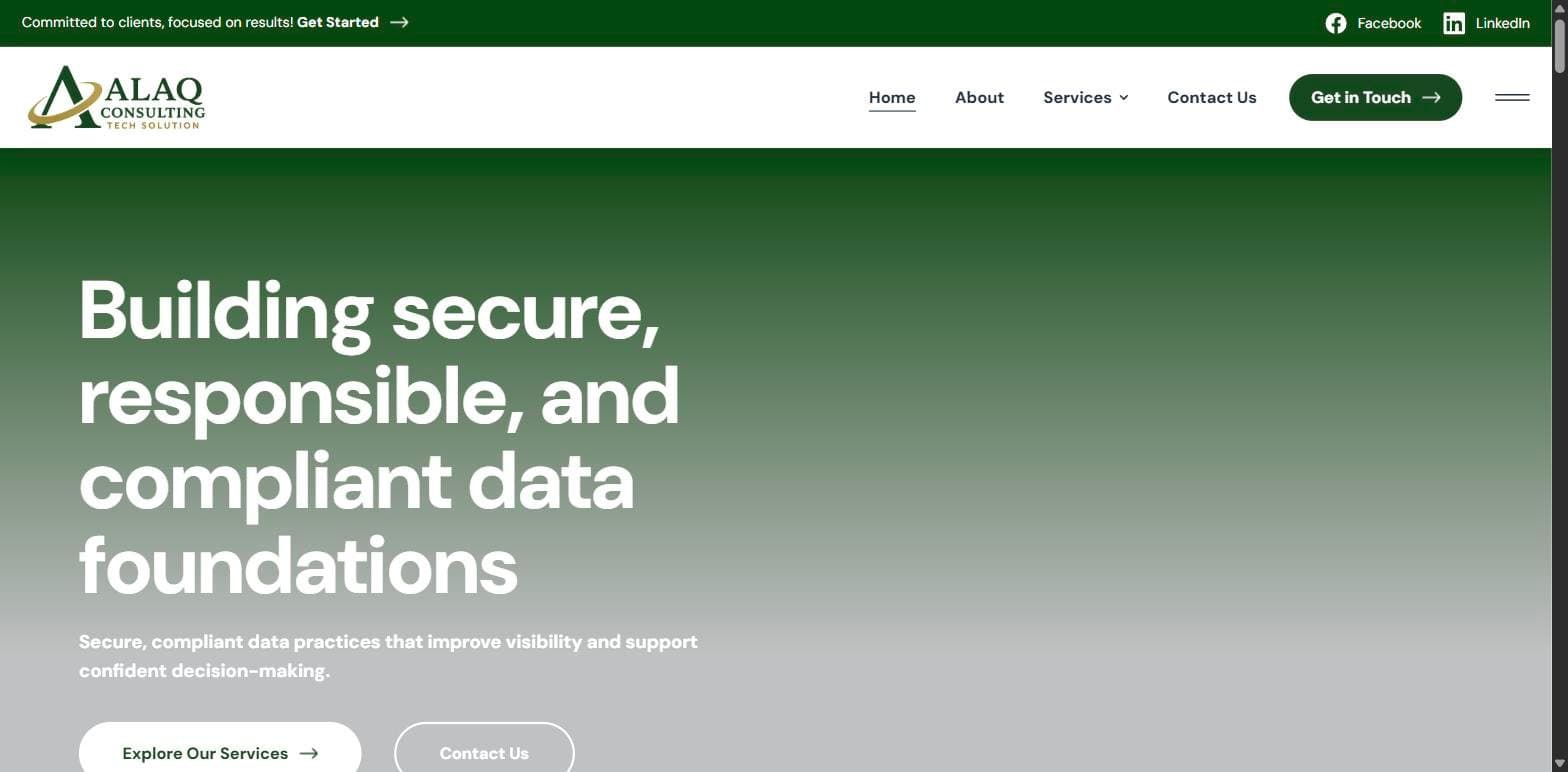
A corporate WordPress website for Alaq Consulting Tech Solution, a Columbus, Ohio cybersecurity consultancy, with six service pages, consultation request forms and a framework-aligned brand presence for regulated industries.
View project
We built The Art of Business Networking's WordPress platform, with an events calendar and ticketing, founder story, testimonials, a blog and a launch-ready WooCommerce store for the Chicago-based women's networking brand.
View project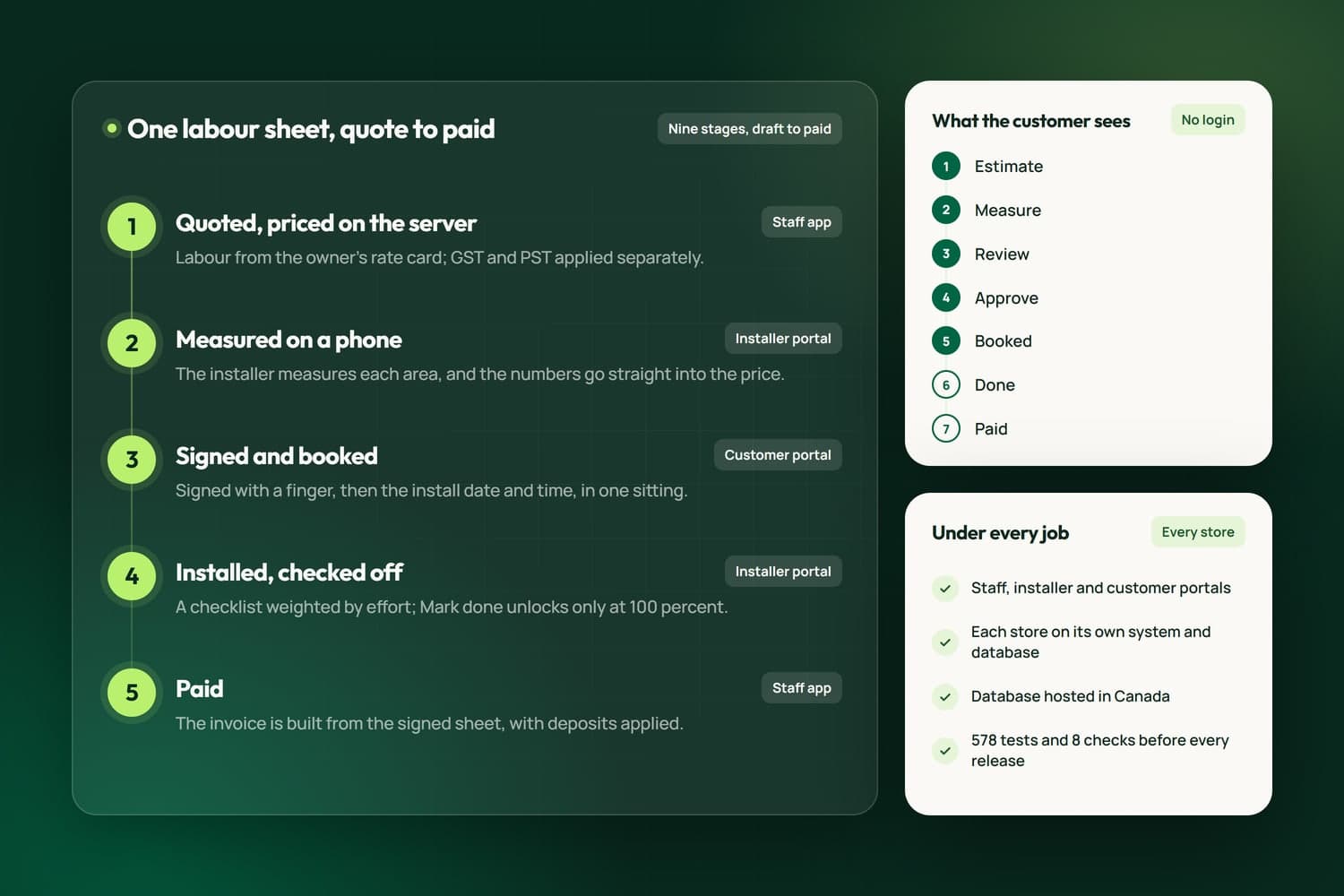
iFloor is the operations software Nametech built for flooring stores: one labour sheet from quote to paid, priced on the server, measured on a phone and signed online, with portals for staff, installers and customers, and calls, texts and email inside the app.
View projectRelated Services
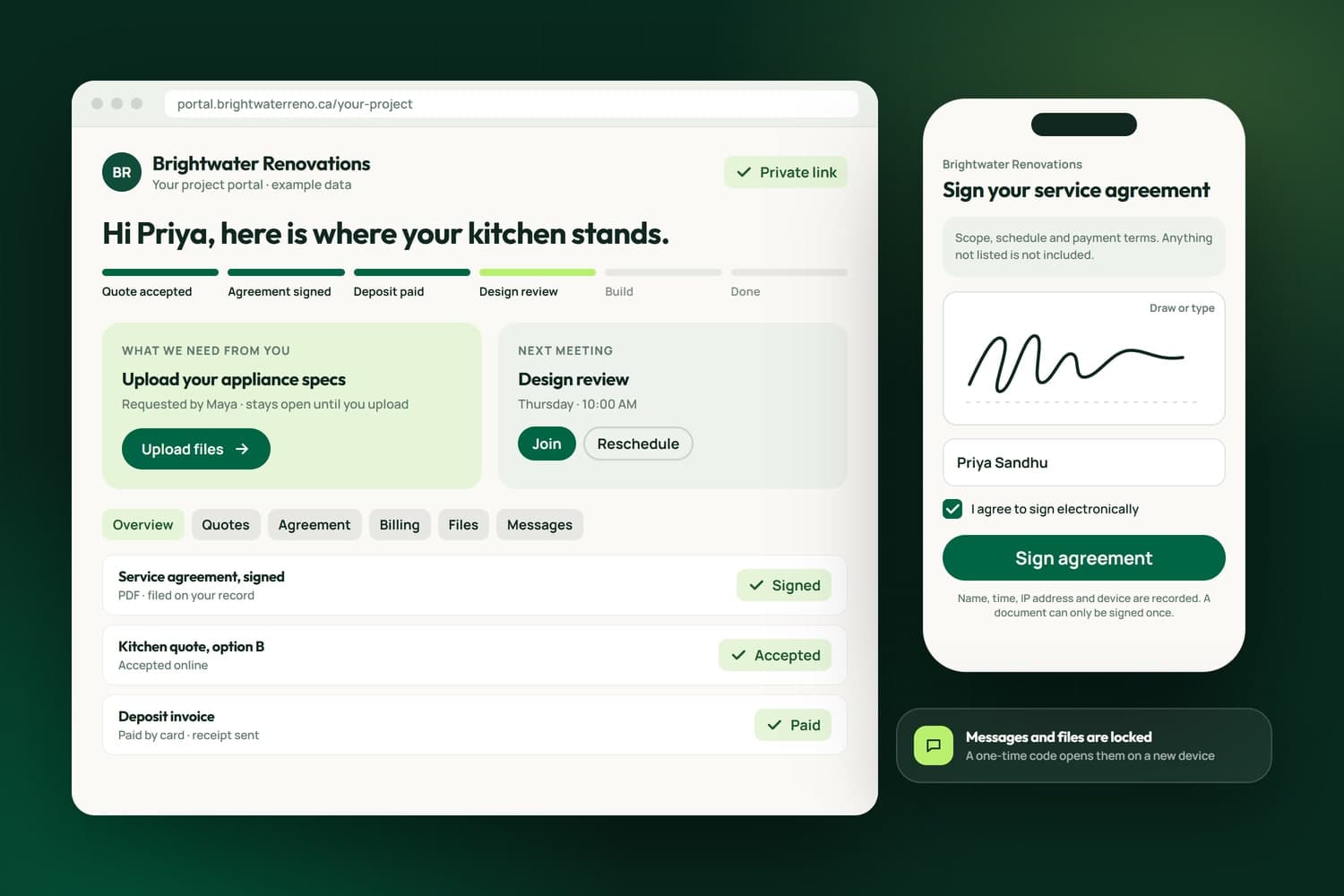
One private page per client for quotes, signing, invoices, files and messages.
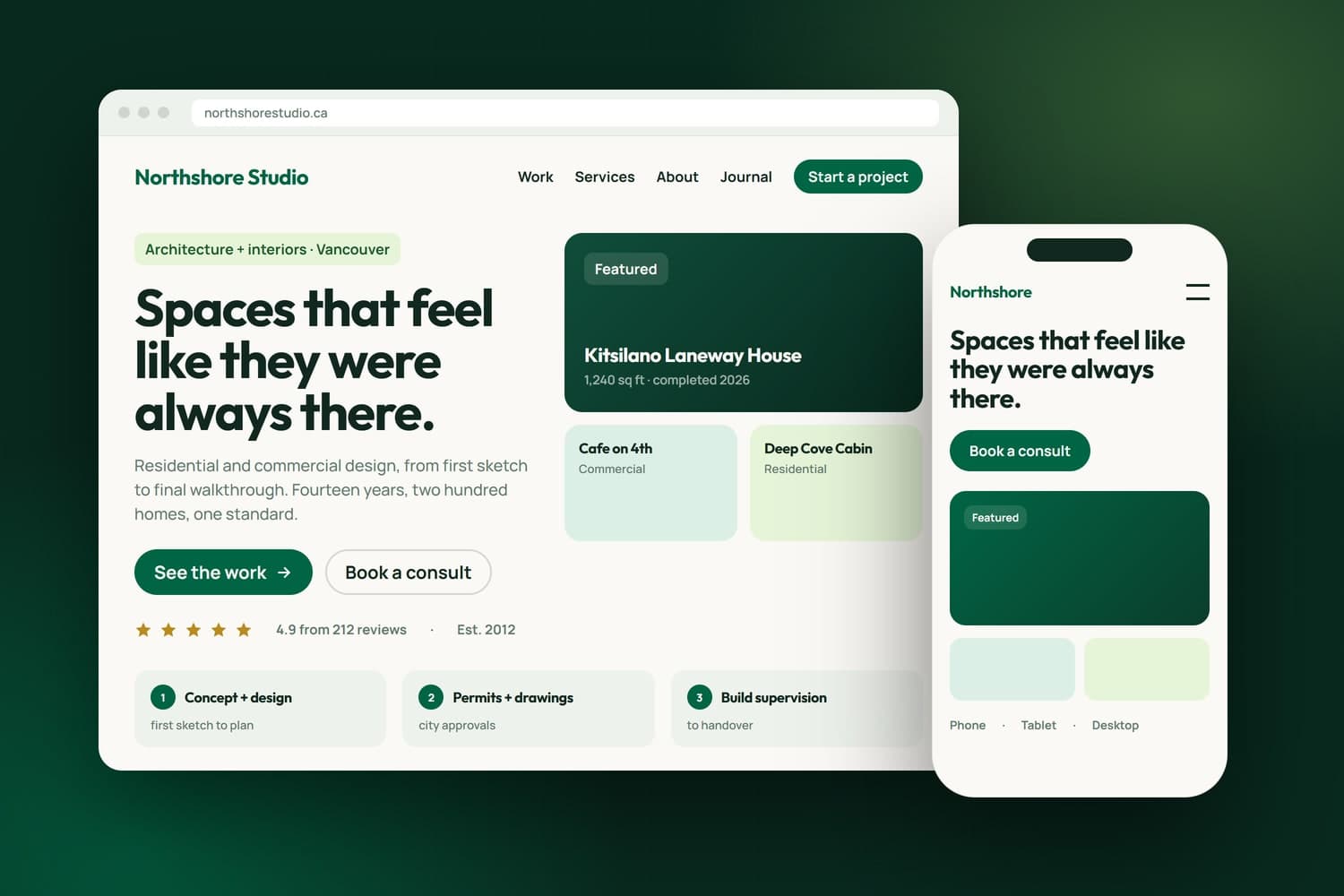
From one page to a complex platform, built custom around your business.
Custom CRMs with client portals, e-signature, QuickBooks and Stripe built in.
FAQ's
Whichever fits. For a Surrey spa we sent every booking button to its Fresha page so the front desk keeps one calendar, and for a consultancy we embedded a Calendly calendar. When the rules are the hard part, as at a food bank that verifies each family before a pickup, we build the booking logic ourselves.
Yes. In NameCRM a booking lands in the real Google Calendar, changes made in Google come back within seconds, and the person who books gets a real invite with a Meet link. The food bank's system syncs every confirmed pickup to Google Calendar with the participant's details, so staff see each day in one place.
Yes. NameCRM bookings carry a private link to reschedule or cancel, iFloor customers pick a new date from their portal and the store and installer are told, and the food bank's families can reschedule or cancel with a reason. Each change reaches your calendar, so nobody has to phone to move an appointment.
Yes. Appointment types can carry their own length, buffers, minimum notice and a daily cap, and blocked dates and statutory holidays are honoured. Rules only your business has can be built in too: the food bank's system verifies every user and restricts bookings by family, so a request that breaks a rule is never confirmed.
Yes. In iFloor a homeowner picks a measurement slot from their portal, and any window where every installer is already booked is greyed out. Staff see each installer's jobs and blocked days on one calendar, and booking someone who is busy shows a warning before it goes through.
In iFloor they do: the day before an install the customer gets a text and email naming their installer, and the installer gets a text at 7 AM with the labour sheet by email. For your business we set reminders to match how your customers miss appointments, by text, email or both.
Yes, with the AI receptionist in NameCRM. While the caller is still on the line it books, moves or cancels the meeting in the same calendar the booking page uses, adds a Google Meet link and sends the invite, and it says it is an AI assistant at the start of every call.
It depends on what the booking has to do. Setting up a tool you already use costs far less than a booking built around rules of your own, with verification, crews or payment. We publish no flat price, because no two are alike; after the free assessment you get a written estimate before any work starts.