

JLJ Painting
We built the JLJ Painting website on WordPress, with a project gallery, quote requests, a secure contact form and client testimonials, plus a new logo, SEO content and Google Maps and BBB listings.
View project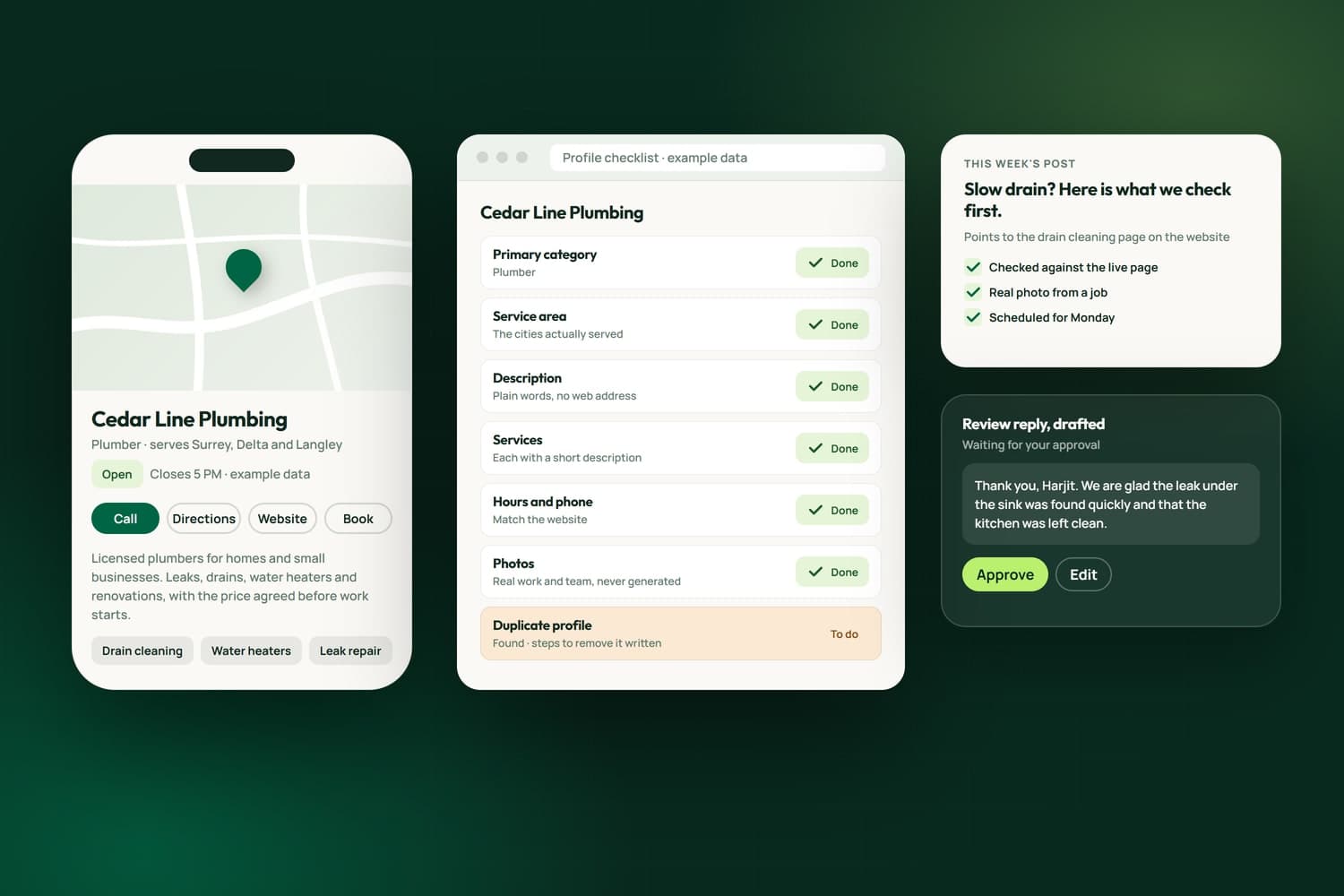
Your Google Business Profile is often the first thing a customer sees: in the map, beside your reviews, with your hours and phone number, and Google's AI answers read it too. We set up and look after profiles for businesses in Surrey, across the Lower Mainland and elsewhere in Canada: the right categories, a clear description, your services listed, regular posts and replies to reviews.
We did it on our own profile first. Its pin sat at the geographic centre of British Columbia, in no Lower Mainland map result, because the whole province was listed as its service area; we replaced it with the cities we serve. We moved the primary category to the one the local map leaders use, rewrote the description to follow Google's rules, wrote an entry for each service, and keep a calendar of weekly posts and drafted replies to new reviews.
For clients we start with what gets in the way: who can edit the profile, duplicates and verification. For one client we found two unverified profiles for the same business and worked out which to keep. We do not promise rankings; we make the profile complete, accurate and active, and report what Google's own numbers show. It starts with a free assessment, and the scope and estimate come in writing.
What we did first
Every line here is work on Nametech's own Google Business Profile, each recorded with the commit and file that hold it. It is the same work we do on a client's profile.
On our own website and profileOur own website and Google Business Profile, where we try every method first and measure it
Our profile's pin sat at the geographic centre of British Columbia, in no Lower Mainland map result. We traced it to the whole province listed as our service area and replaced it with the cities we serve.
We moved our primary category to the one every map leader for web design searches in Surrey, Vancouver and Richmond uses, and kept additional categories for the rest of our work.
We rewrote our description to lead with what we do now, AI and custom software, with no web address or call to action, which Google's rules do not allow in a description.
We wrote an entry for each service we sell, each with a plain description under 300 characters, so a searcher sees the work by name.
An eight-week calendar of weekly posts, plus a post for each new page, each pointing at a live page and checked against it before it goes up.
Replies to our new reviews are drafted in the voice of the person who signs them, thanking each reviewer for what they actually wrote, and posted only once approved.
How we work
The team behind Nametech has built websites and marketing for businesses since 2014, and Nametech Canada Ltd. was incorporated in 2025. We work on your profile the way we worked on our own.
Book a Free AssessmentYour profile read the way a customer sees it, beside the businesses that show up above you, then a plain answer on what to fix first.
We find out who owns and can edit the profile, and sort out duplicates and verification before anything else.
Categories, service area, description, services, hours and photos, each checked against Google's rules and your website.
Posts on a set rhythm, each pointing at a real page, and review replies drafted for you to approve.
What Google's own numbers show each month, in plain words, and what we will change next.
Case studies
We built the JLJ Painting website on WordPress, with a project gallery, quote requests, a secure contact form and client testimonials, plus a new logo, SEO content and Google Maps and BBB listings.
View projectRelated Services
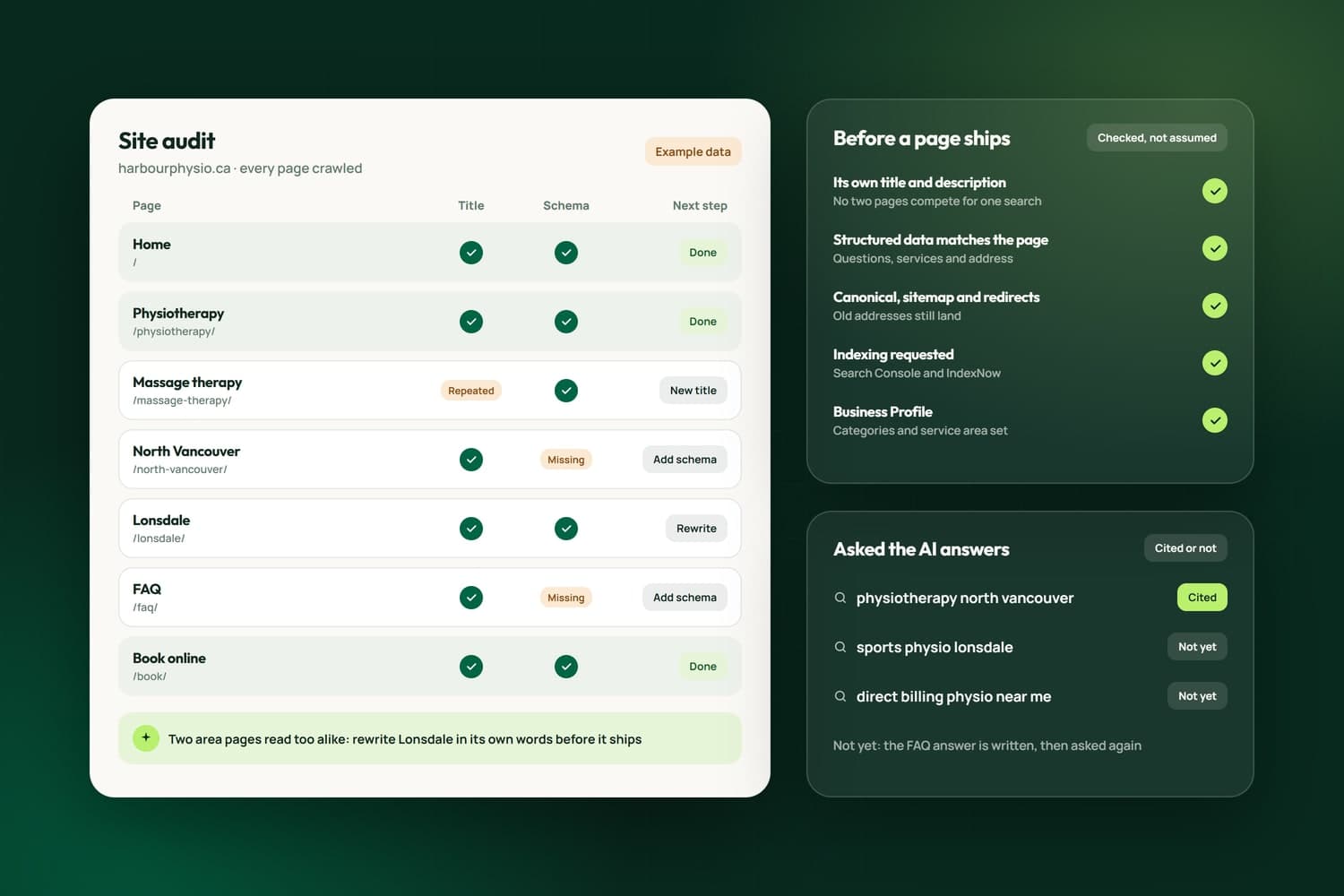
Found on Google, in Maps and in AI answers, and measured in Search Console.
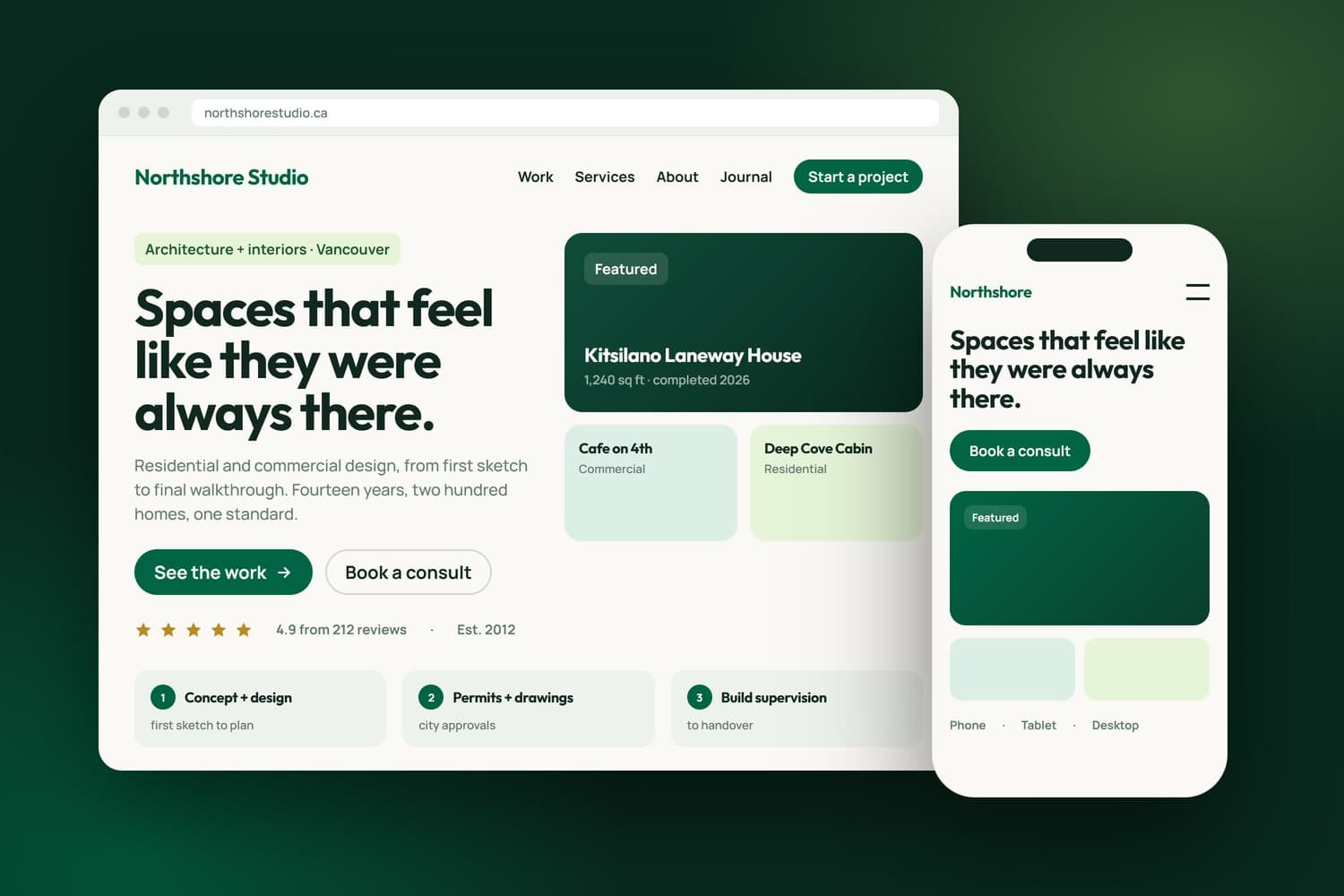
From one page to a complex platform, built custom around your business.
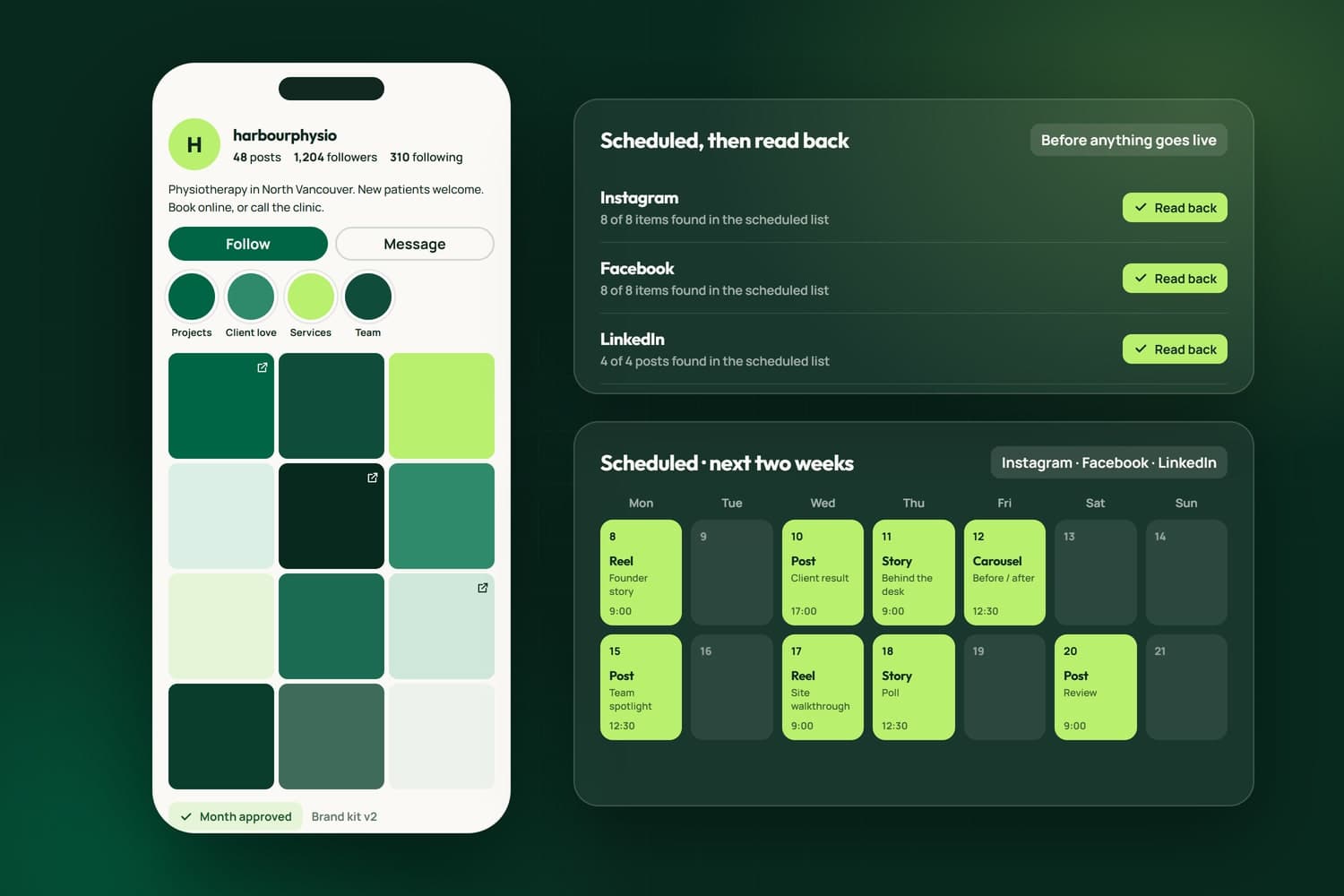
Posts, reels and stories on Instagram, Facebook and LinkedIn, every one checked.
FAQ's
The right primary and additional categories, a clear description that follows Google's rules, your services listed, a service area of the cities you serve, hours and details that match your website, real photos, regular posts that point at real pages, and replies to reviews drafted for you to approve. Access and duplicates get sorted first.
Start with the profile itself. Ours sat at the geographic centre of British Columbia, in no Lower Mainland map result, because the whole province was listed as its service area. Other things we check: a duplicate or unverified profile, the wrong primary category, and hours or details that disagree with your website.
Nobody can promise that honestly. Google ranks local results on relevance, distance and prominence, and distance from the searcher is out of anyone's hands. What we can do is make your profile complete, accurate and active, keep it consistent with your website, and report what Google's own numbers show each month.
Yes. For one client we found two unverified profiles for the same business under the same Google account, worked out which one to keep, and wrote the steps to verify it and remove the other. The owner completes Google's verification step, because Google checks the business itself, not the person helping.
We draft them in your voice, thanking each person for what they actually wrote, and you approve each one before it goes up. We never tell customers what to put in a review: Google does not allow asking for specific wording, so a review request asks only for an honest review.
It can. On September 28, 2026, Google's AI Mode named us first for a search about who builds custom CRM software in Surrey, drawing on our CRM page and our Business Profile. A complete, accurate profile and a page that answers the search work together.
No. Google's rules do not allow AI-generated images on a Business Profile, so we use real photos of your work, your premises and your team, and screenshots of your own product with no client data in them. A generated image stays off the profile even when it looks real.
It depends on the state of the profile and how much looking after it needs. Setting up a clean profile once is smaller work than monthly posts and review replies. We publish no flat price; after the free assessment you get a written estimate before any work starts.